User Manuals Mobiliis Client Guide
8. Notifications and their settings
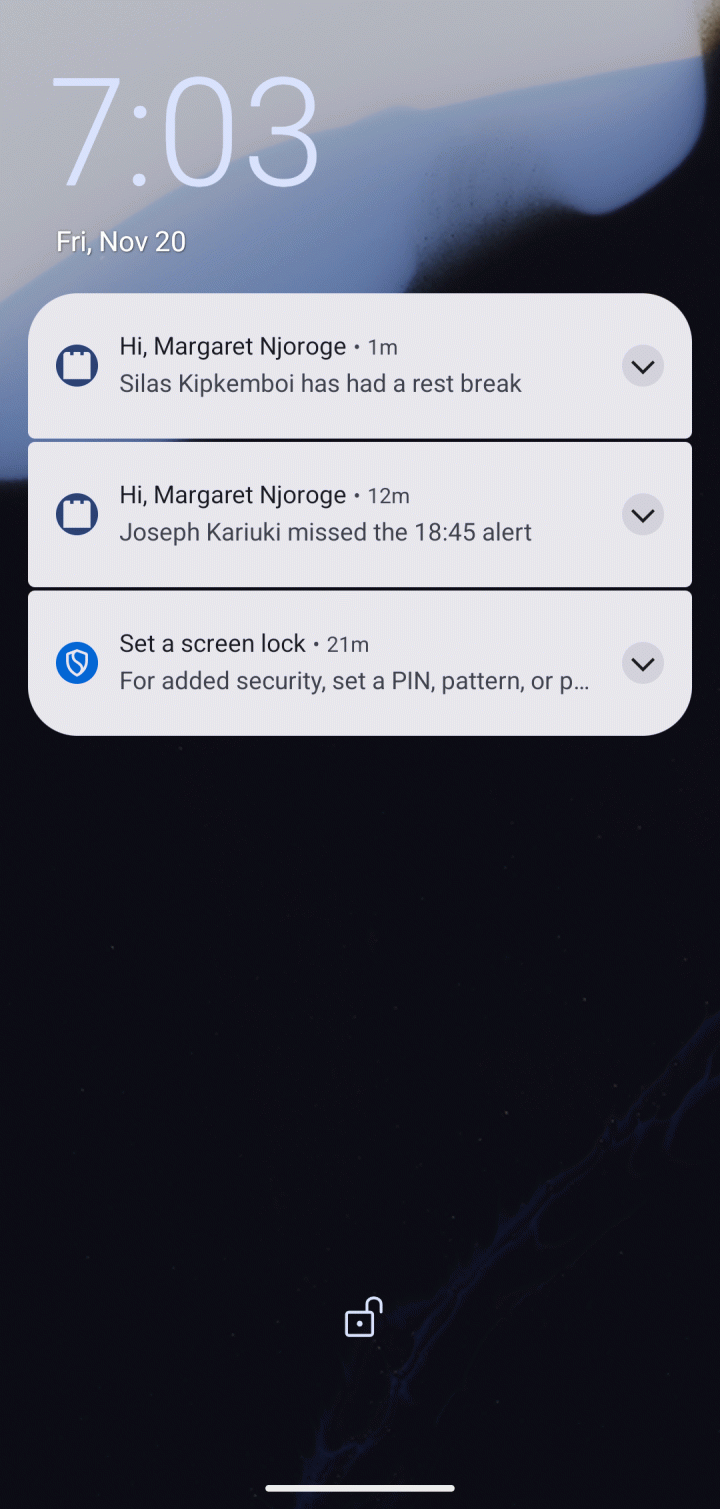
Mobiliis notifies you when:
- a guard misses an alert: "
missed the HH:MM alert"; - a guard was not at the duty location at the start: the duty page shows "Guard not on Location";
- a guard has stayed still longer than the rest time set for the duty: "
has had a rest break".
Each notification is titled "Hi,
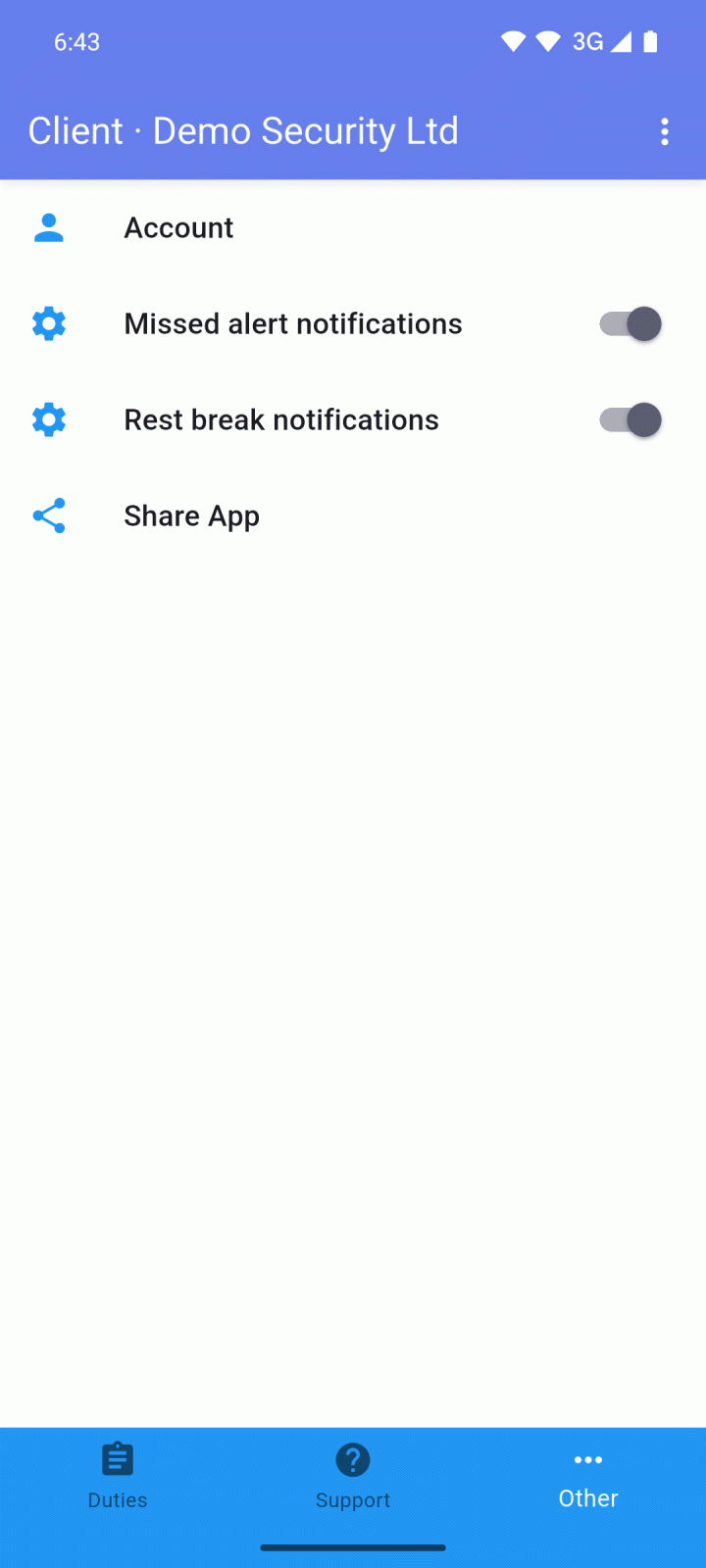
You can choose which of these notifications to receive by turning them on or off. The Other tab has 2 switches: Missed alert notifications (a guard not at the duty location at the start counts as a missed alert, so it is included) and Rest break notifications. They show your settings as saved, and change only when you flip one.