User Manuals Mobiliis Company Admin Guide
24. Private accounts: what is different
A Private account is for a person who employs their own guards, without a company structure.
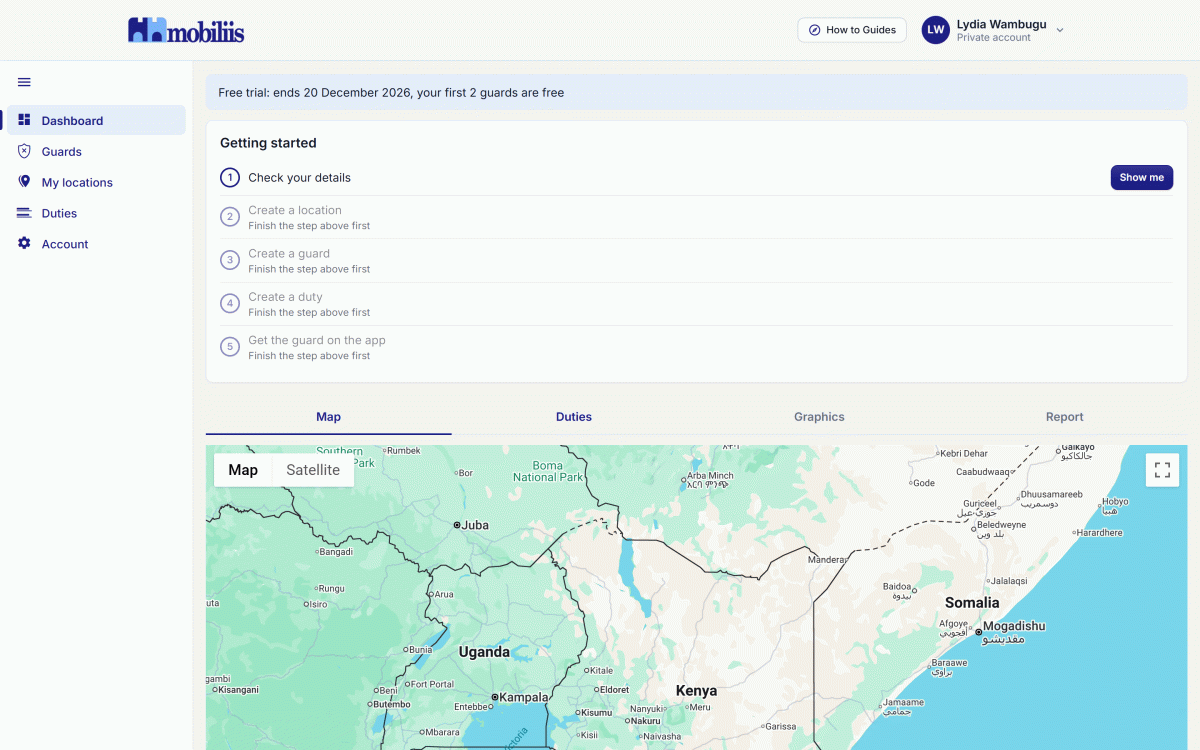
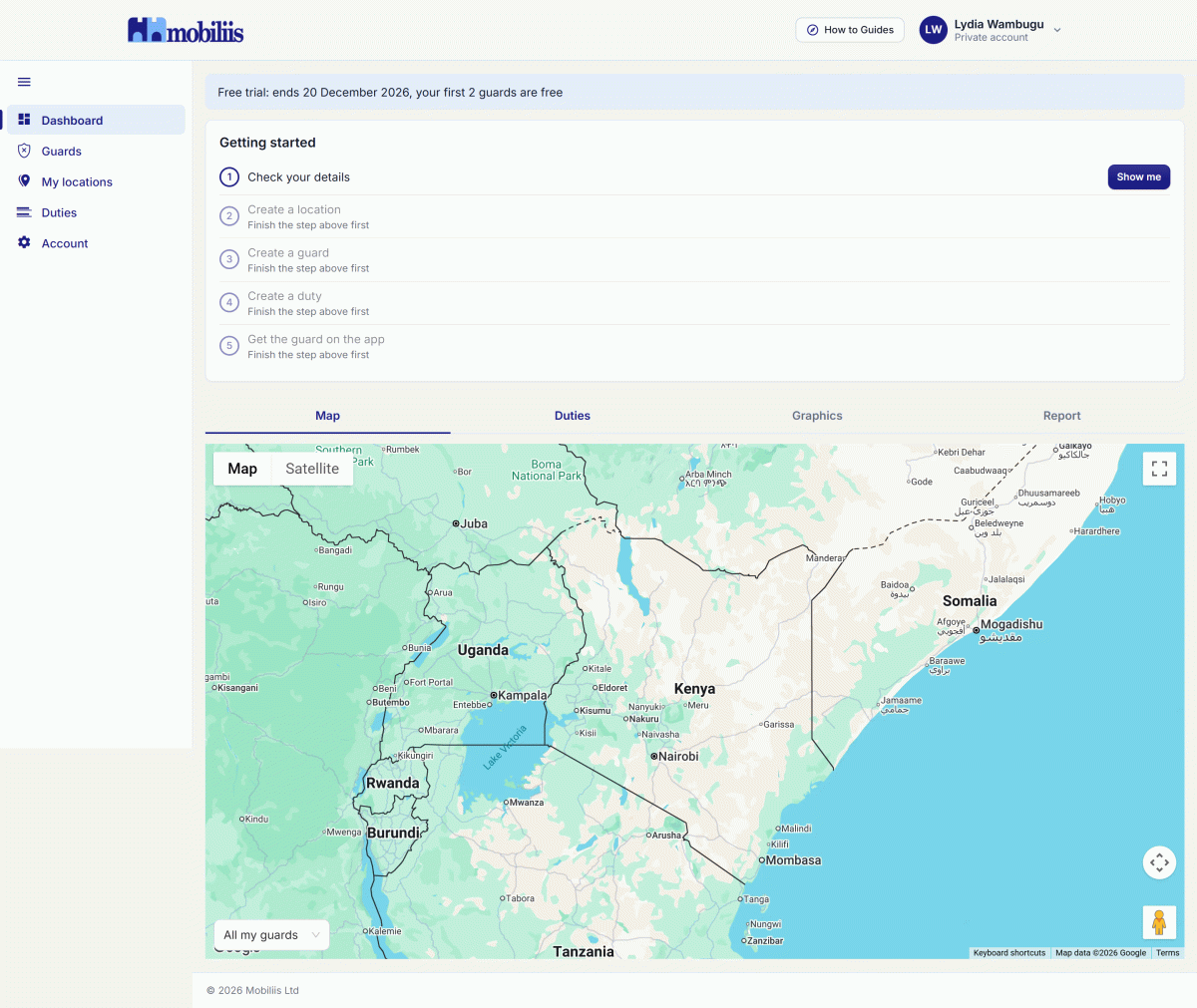
- The menu is shorter: Dashboard, Guards, My locations, Duties, Account.
- There are no districts, district managers, supervisors or clients.
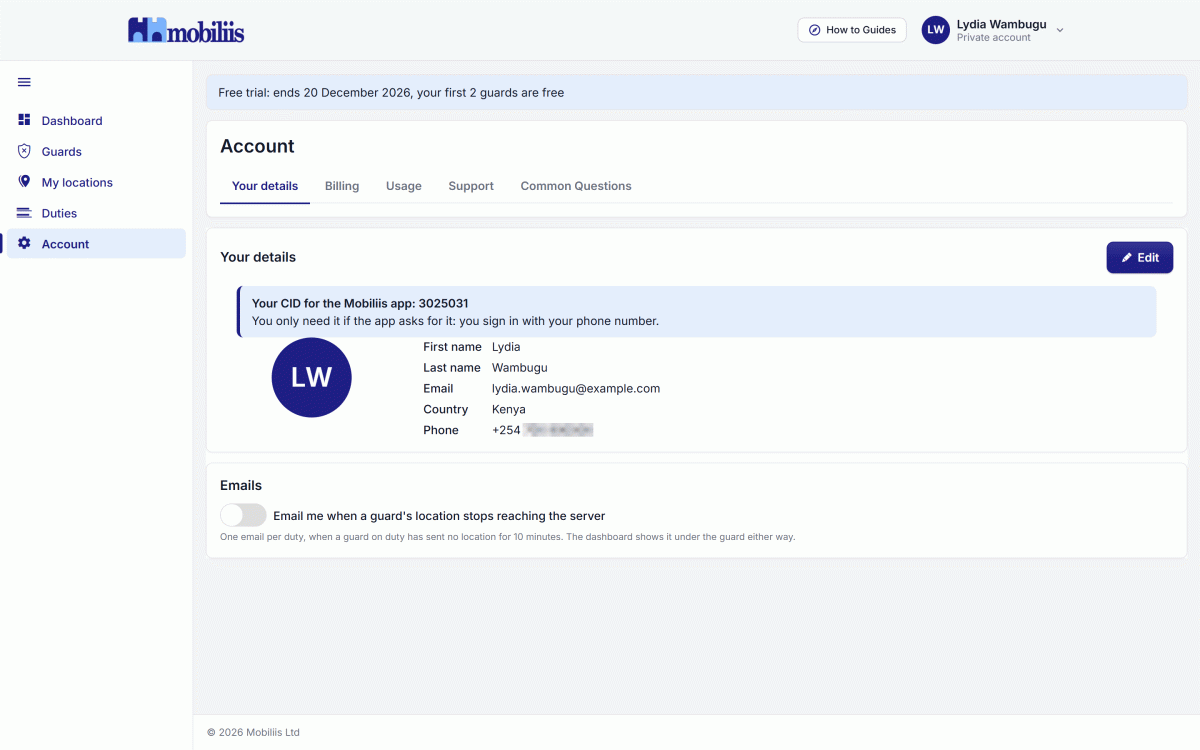
- Your details replaces Company settings, and there is no Login accounts tab.
- Duties are set at My location.
- The Getting started list has 5 steps: Check your details, Create a location, Create a guard, Create a duty, Get the guard on the app.
- You have your own CID. Sign in to the Mobiliis app as a client with your phone number to follow your guards and get missed-alert notifications.
- To change to a company account, contact Mobiliis.