User Manuals Mobiliis Company Admin Guide
17. The dashboard
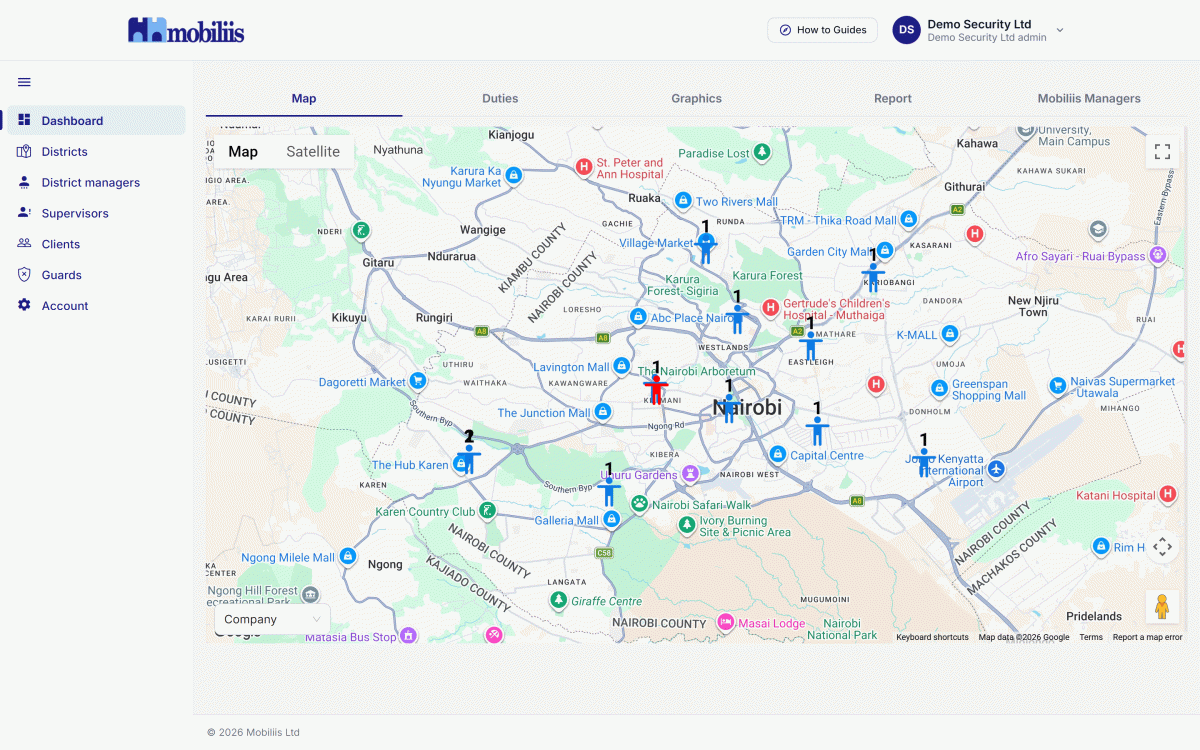
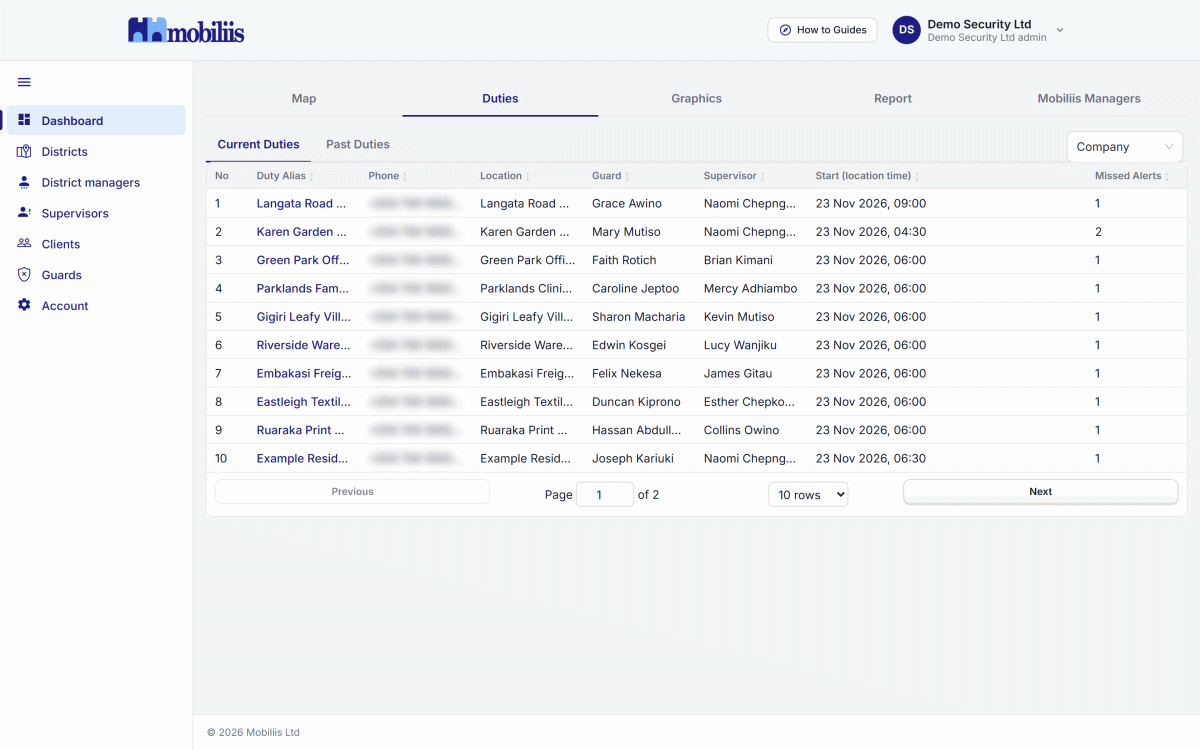
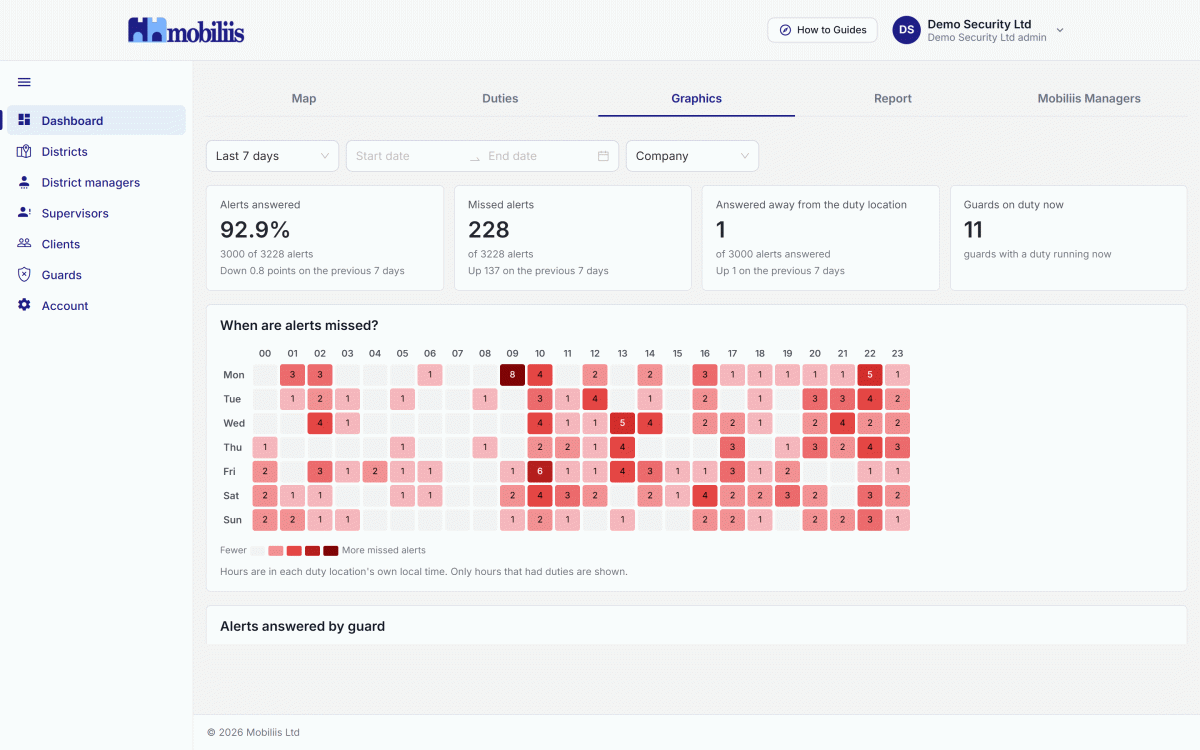
The dashboard has four tabs, and a fifth, Mobiliis Managers, while your Mobiliis account has at least one Mobiliis Manager. Each of the first four tabs has its own selector ("Company" for your whole Mobiliis account, a district, a district manager, a supervisor or a client) and remembers its own last choice on this browser.
- Map: guards on duty now. A blue guard is online; a red guard is offline (no location for 4 minutes) and is shown at their last known position. The map refreshes every minute.
- Duties: Current and Past duties. Click a duty to open it. A running duty whose guard's location has stopped reaching Mobiliis shows "Location not reaching the server since HH:MM".
- Graphics: charts of Hit record and missed alerts.
- Report: see section 18.
- Mobiliis Managers: your Mobiliis Managers, their Messages and the Activity trail of the changes they make. A red number on the tab is the count of unread messages. See section 25.