User Manuals Mobiliis Personal Account Guide
11. Your Account page
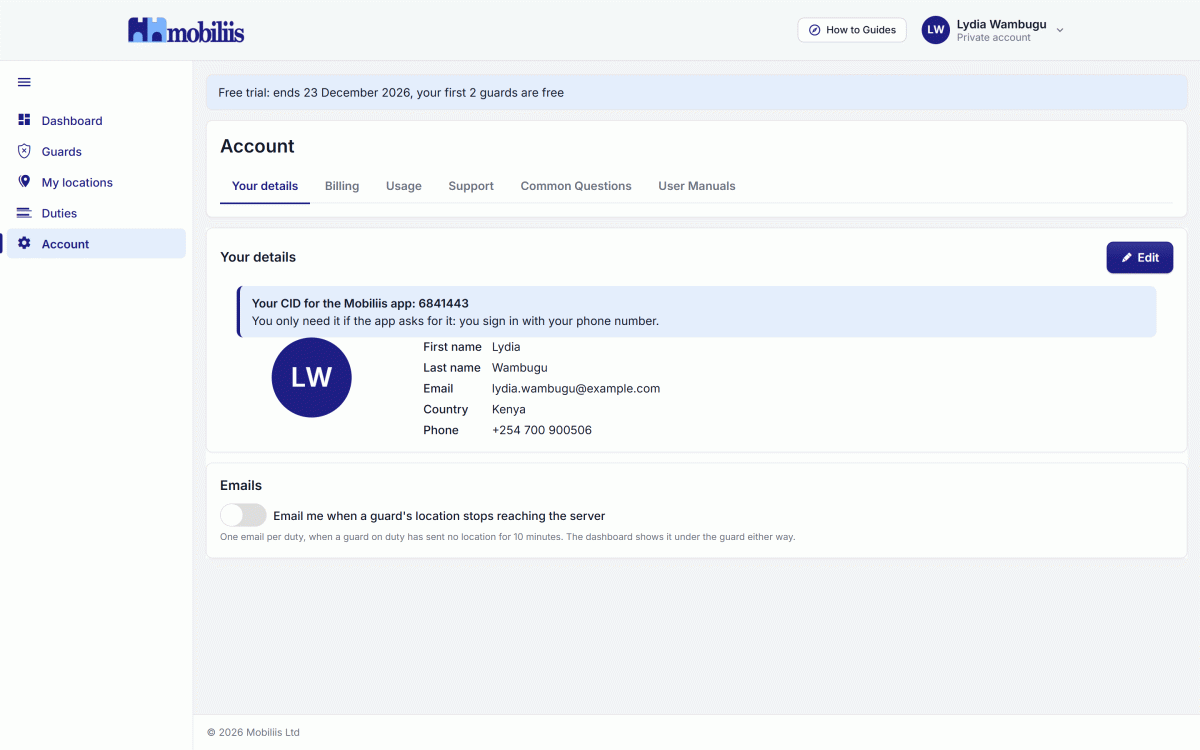
In the side menu, click Account. It has the tabs Your details, Billing, Usage, Support, Common Questions and User Manuals.
Your details
Shows your first and last name, email, country, phone, time zone (when needed) and photo. Press Edit to change them.
- Your email, phone and password are changed on My details (click your name at the top right).
- Your CID: "Your CID for the Mobiliis app: <CID>". You only need it if the app asks for it: you sign in with your phone number.
- Changes here also update your record in the app. If you take a phone number off, that phone is signed out of the app.
- The switch "Email me when a guard's location stops reaching the server" is on this tab.
Billing
- "Billed from
, at USD x per duty start", or "Billing has not started for your account yet." - "So far this month" and "Expected by the end of the month".
- Your invoices, unpaid ones at the top: overdue rows in red, rows still due in yellow. Each shows "Paid
", "Due by ", "Overdue: was due by " or "Void". - Pay now opens the secure online payment page. All payments are made via Stripe online payment. Mobiliis does NOT store any card details.
- From an invoice's menu: Download PDF, Download receipt (once paid) and Resend.
- Choose "Last 12 months" or a year to see older invoices.
- Before your first invoice: "No invoices yet. Invoices are made on the 1st of each month for the month before."
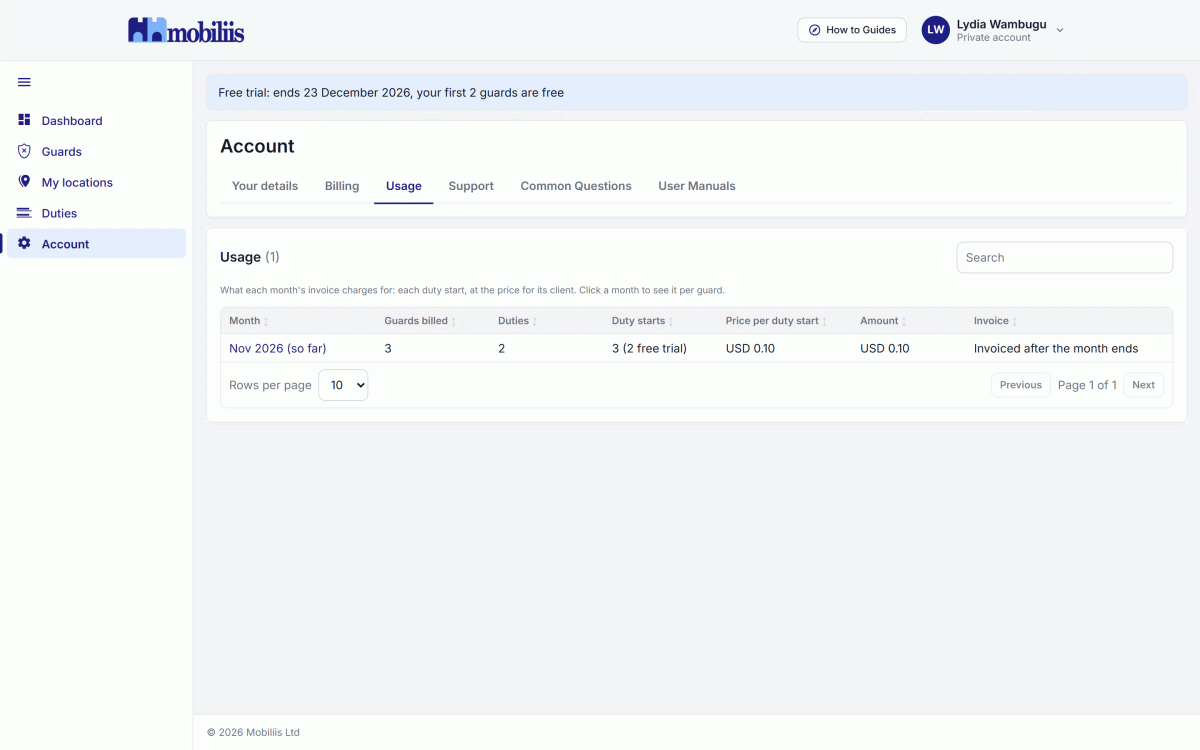
Usage
Month by month: guards billed, duties, duty starts, price per duty start, amount and the invoice. Press a month to see its detail.
Support, Common Questions and User Manuals
- Support: your support tickets ("Your tickets"). Press New ticket to ask Mobiliis anything.
- Common Questions: answers to common questions.
- User Manuals: these guides, with this Personal Account Guide first.