User Manuals Mobiliis Client Guide
2. The top bar and the menu
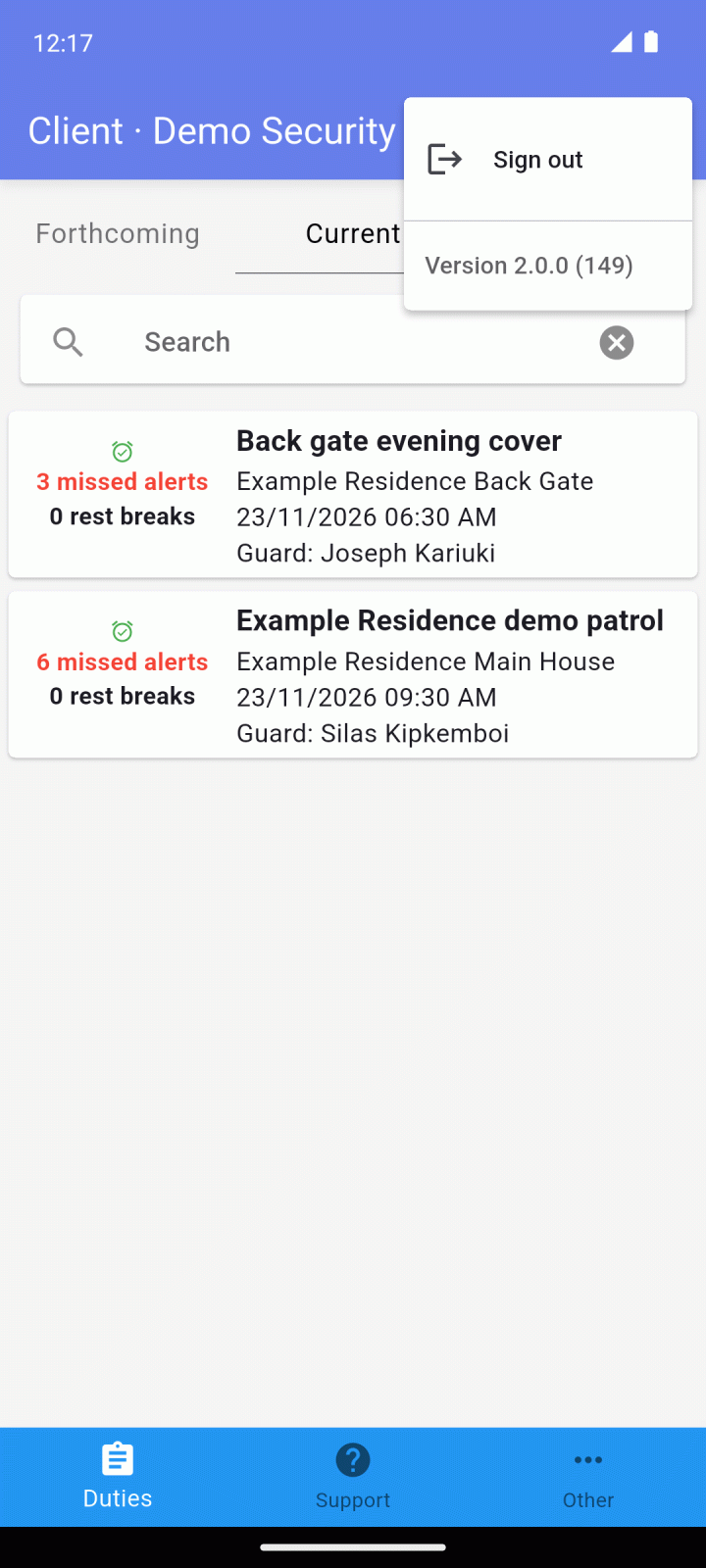
The top bar shows "Client" and the name of your security provider. The ⋮ menu at the top right has Sign out and the app's version. If you have more than one role, it also lists each role (tap one to open it) and Switch role.
The first time, the app asks to allow notifications. Allow them, so you are told about missed alerts.