User Manuals Mobiliis Personal Account Guide
7. Guards
Your guards use the Mobiliis app only. During each duty the app gives them alerts to answer.
Adding a guard
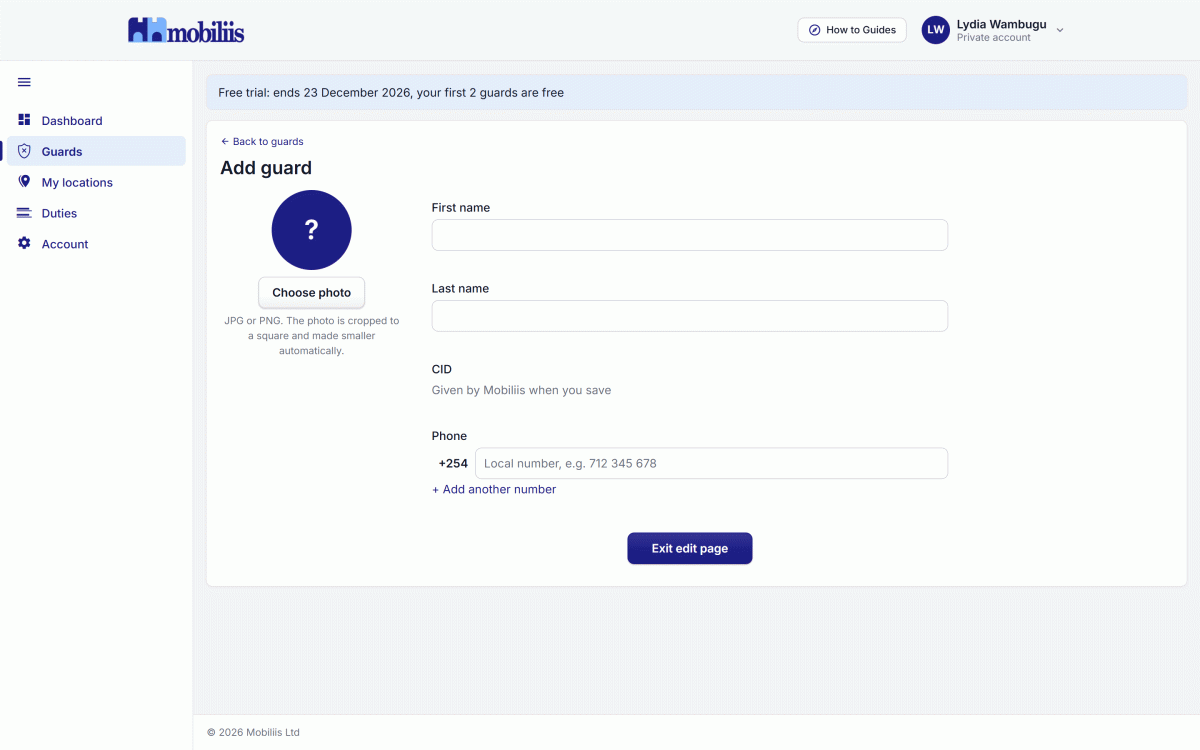
- In the side menu, click Guards, then Add guard.
- Fill in their First name, Last name and Phone, and add a photo if you like.
- Press Save and exit.
Mobiliis gives each guard a CID, a 7-digit number. On a new guard the box says "Given by Mobiliis when you save"; after saving it shows the number.
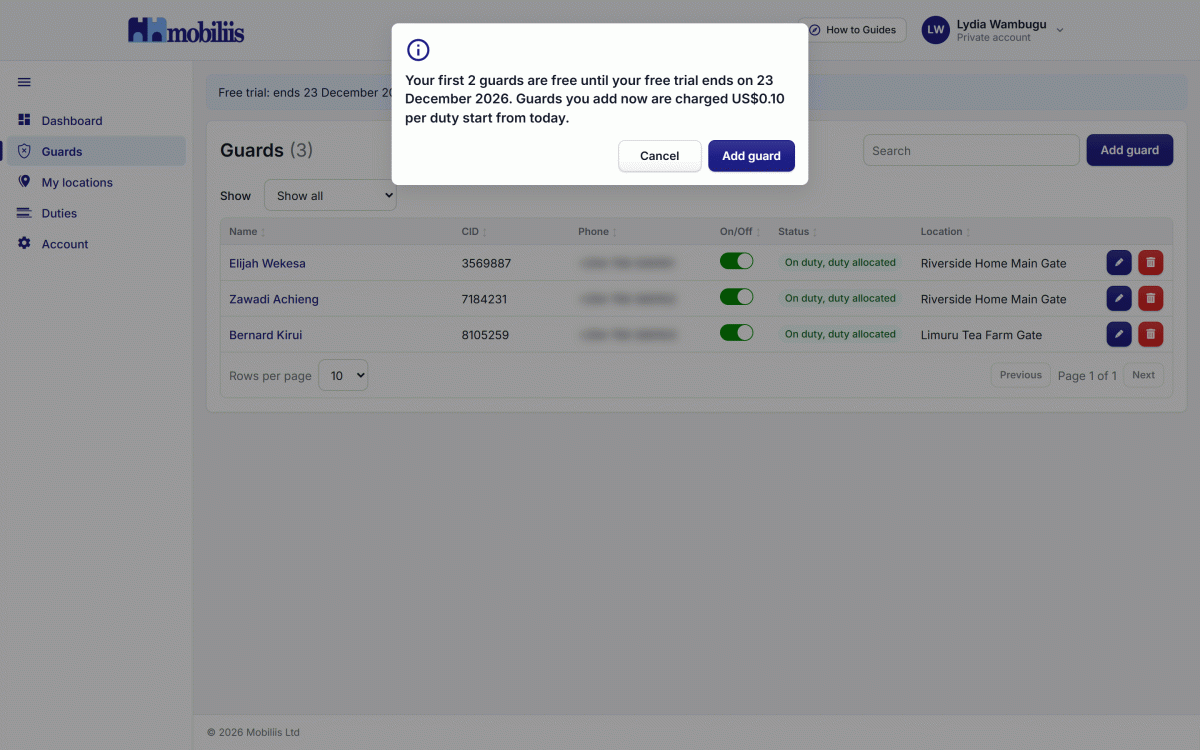
During your free trial, once you have 2 guards, adding another first tells you: "Your first 2 guards are free until your free trial ends on
Several phone numbers, or one shared phone
- A guard can have more than one phone number.
- Guards sharing one phone: give each guard their own record, with the shared phone's number on each. Mobiliis tells you the number is already saved on someone else and asks "Save it for this guard too?". Press Yes, save it.
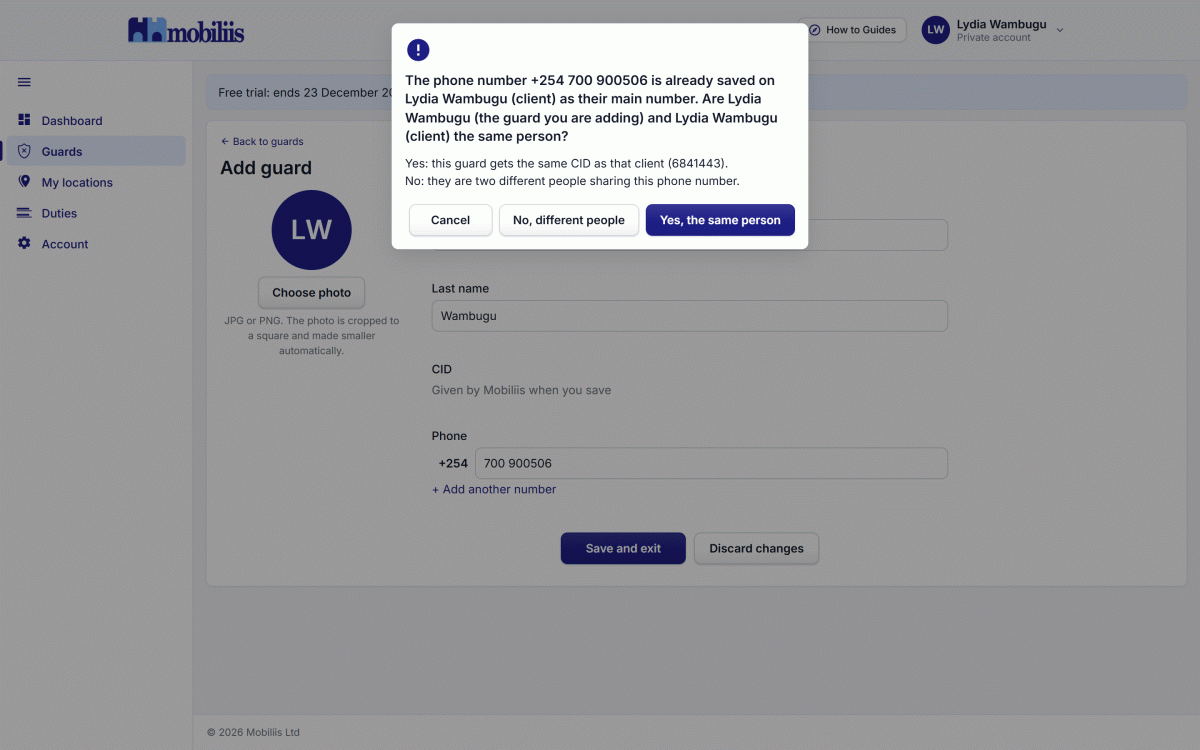
- A number that is also yours: if you type a number that is already saved on you, Mobiliis asks whether you and the guard are the same person.
- Yes, the same person: the guard gets your CID.
- No, different people: you are two different people sharing this phone number.
When someone signs in to the app on a shared phone, the app says "This phone number is used by more than one person. Enter your CID to continue." Each person types their own CID, so their duties and alerts stay under their own name.
On duty and Off duty
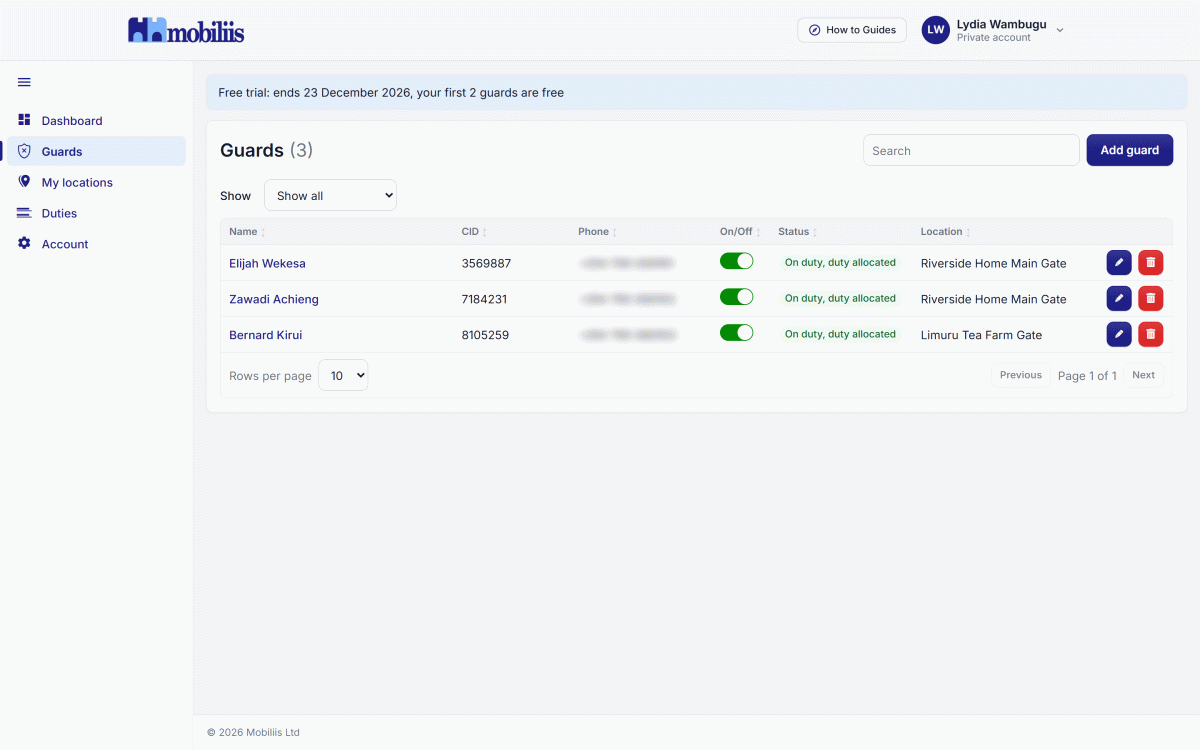
On the Guards list, the On/Off column has a switch for each guard. It is saved at once.
- On duty: switch it off to stop alerts for this guard.
- Off duty: no alerts, rest reminders or pushes.
The list shows each guard as "On duty, duty allocated", "On duty, no duty allocated" or "Off duty". Use Show to list only one of these. The guard's page shows the history of their On/Off changes: who made each change, with the date and time.
Getting a guard onto the app
Tell the guard to install Mobiliis from Google Play  and sign in with the phone number you entered and the code from the SMS. There is no password.
Deleting a guard
This deletes the guard for good, with all their duties (and those duties' alerts and tracking), and signs them out of the app. It cannot be undone.