User Manuals Mobiliis Company Admin Guide
10. Districts
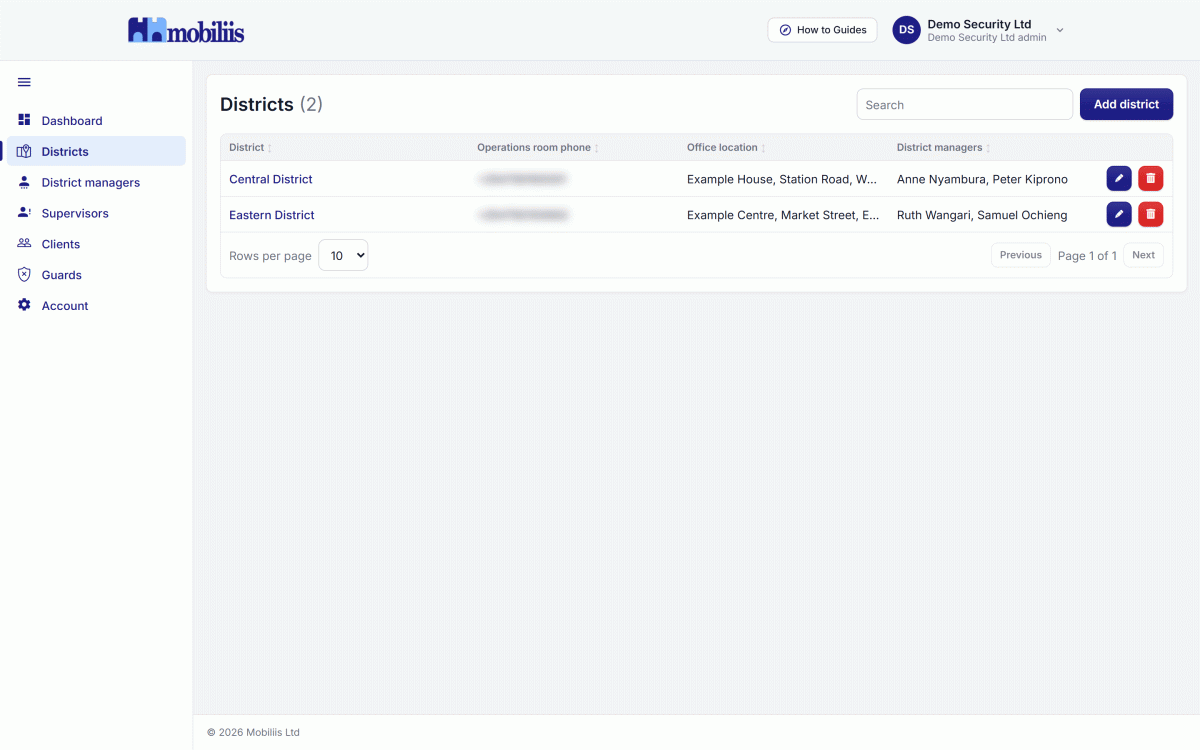
A district is a part of your company's Mobiliis account with its own name, operations room phone number and office location. It does not have to be a real geographical district: it is a way of organising your account. If your company is already organised in districts, matching them helps to organise and share your staff's responsibilities. Supervisors, clients and guards are each placed in a district according to their area of responsibility.
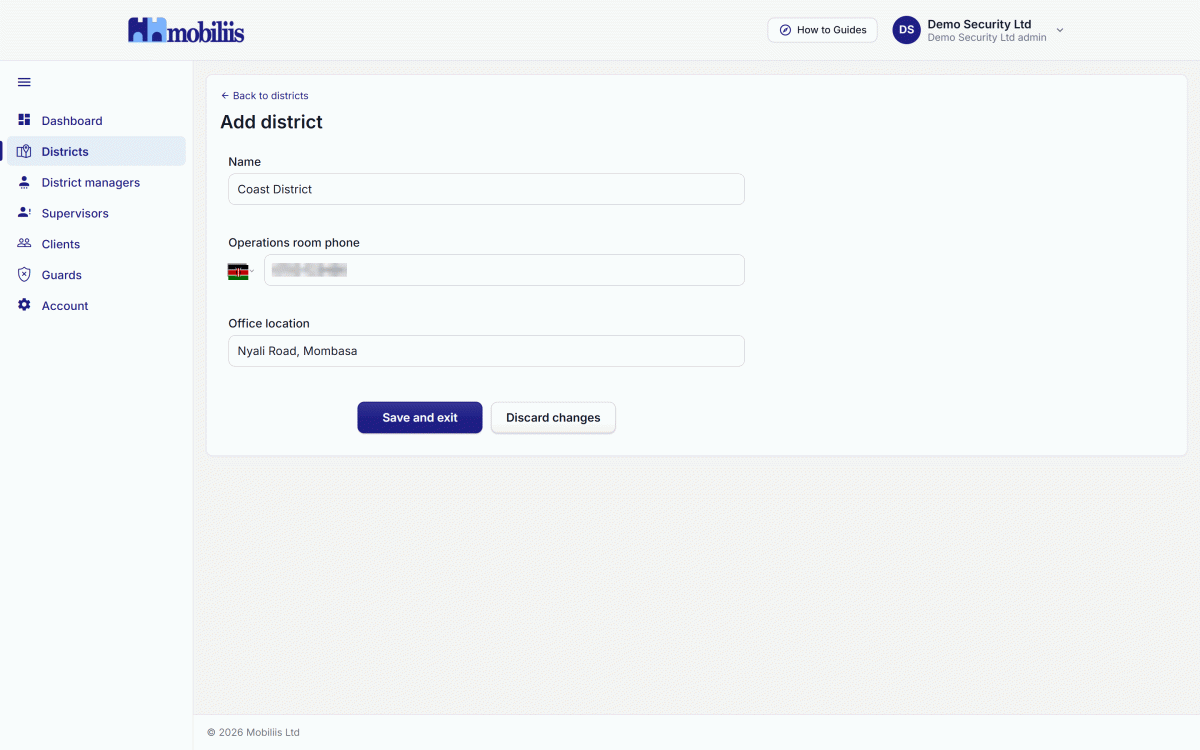
- Add: in the side menu, click Districts, then Add district. Fill in the name, the operations room phone and the office location, then Save and exit.
- Change: open the district, press Edit.
- Delete: a district can only be deleted once it has no guards or clients.