User Manuals Mobiliis Guard Guide
6. Answering alerts (the most important section)
You get these alerts:
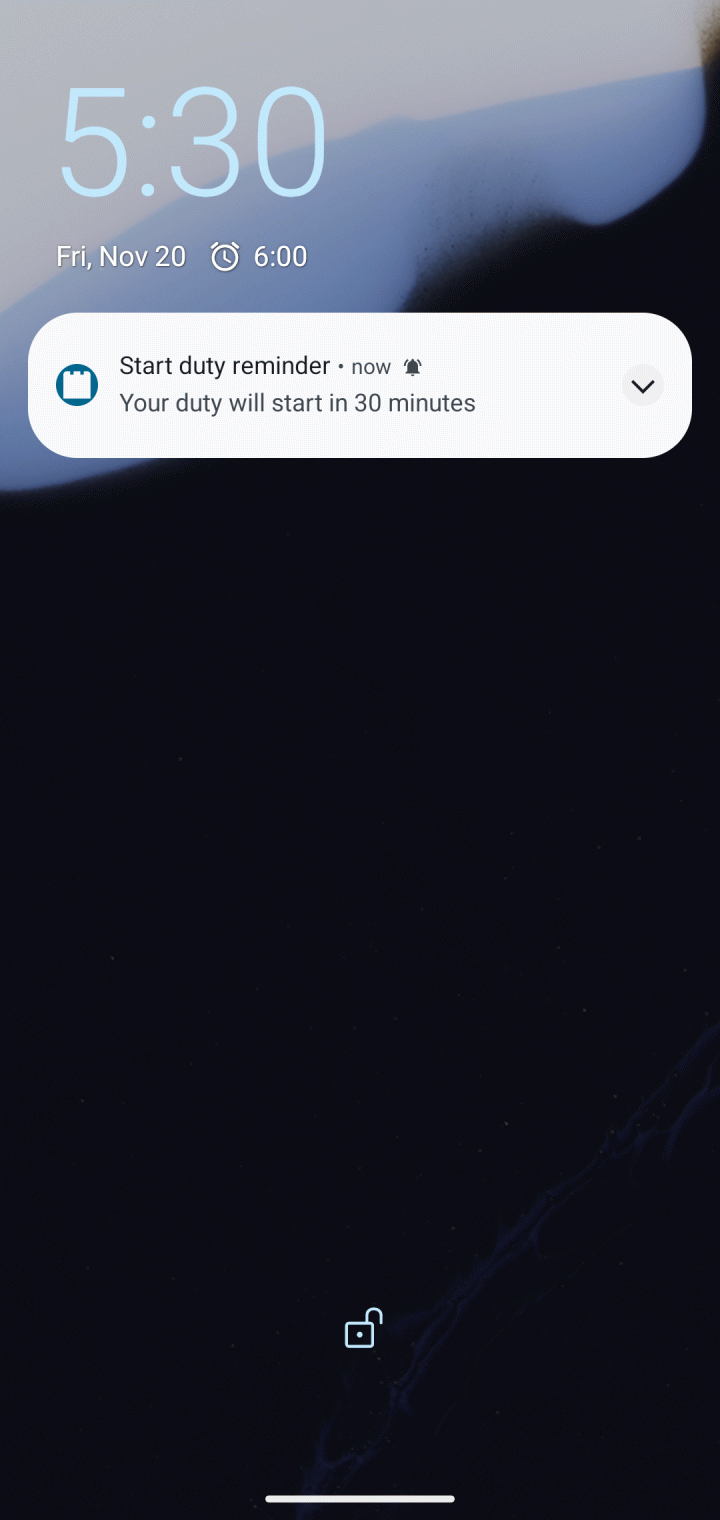
- 30 minutes before your duty: "Start duty reminder: Your duty will start in 30 minutes". Tap it to open Confirm Duty, then tap OK;
- the start of your duty;
- check-in alerts during the duty, at the interval your company chose;
- the end of your duty.
When an alert comes, the phone rings and vibrates (following its silent setting) and the screen becomes active.
For the start, check-in and end alerts:
- Tap the notification.
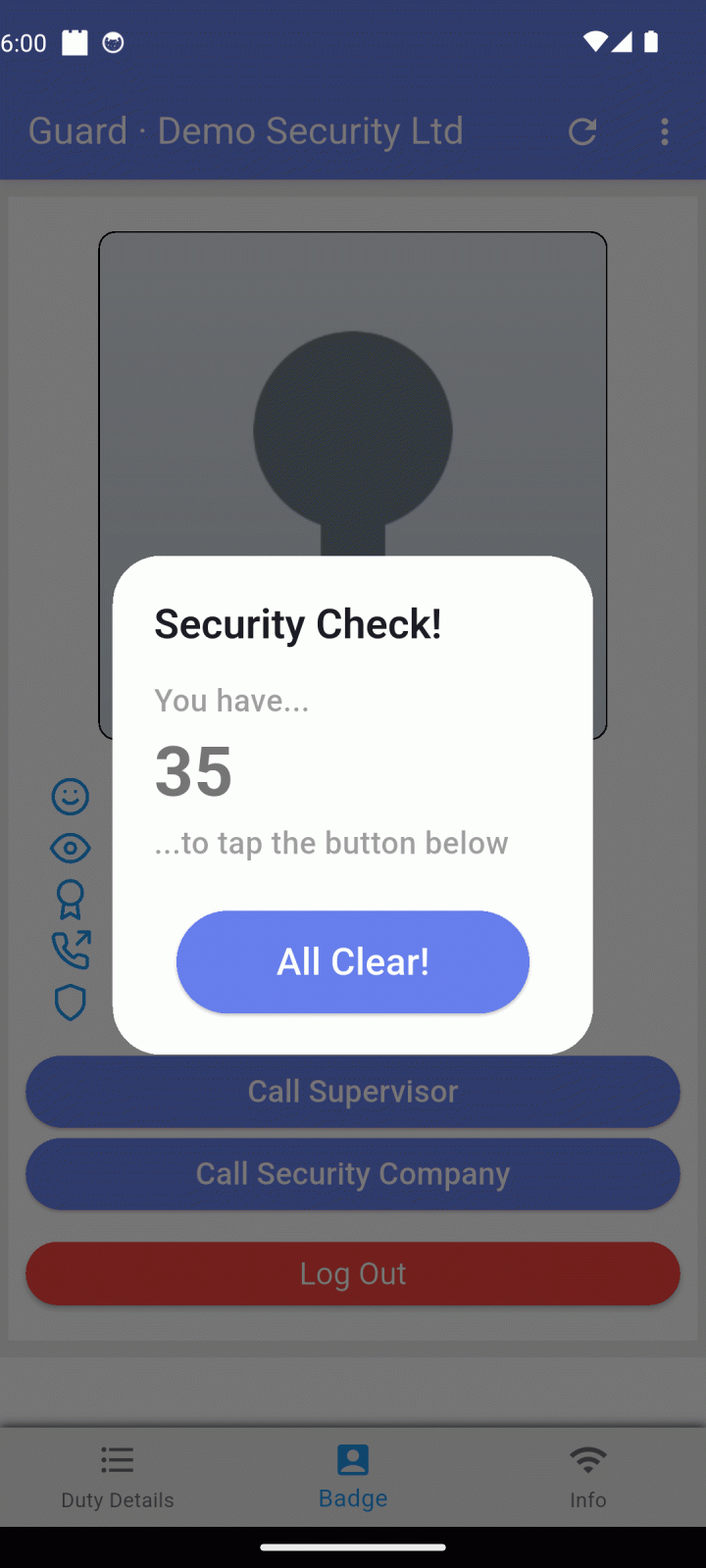
- The app opens "Security Check!" with a 60-second countdown. Press All Clear! before it ends.
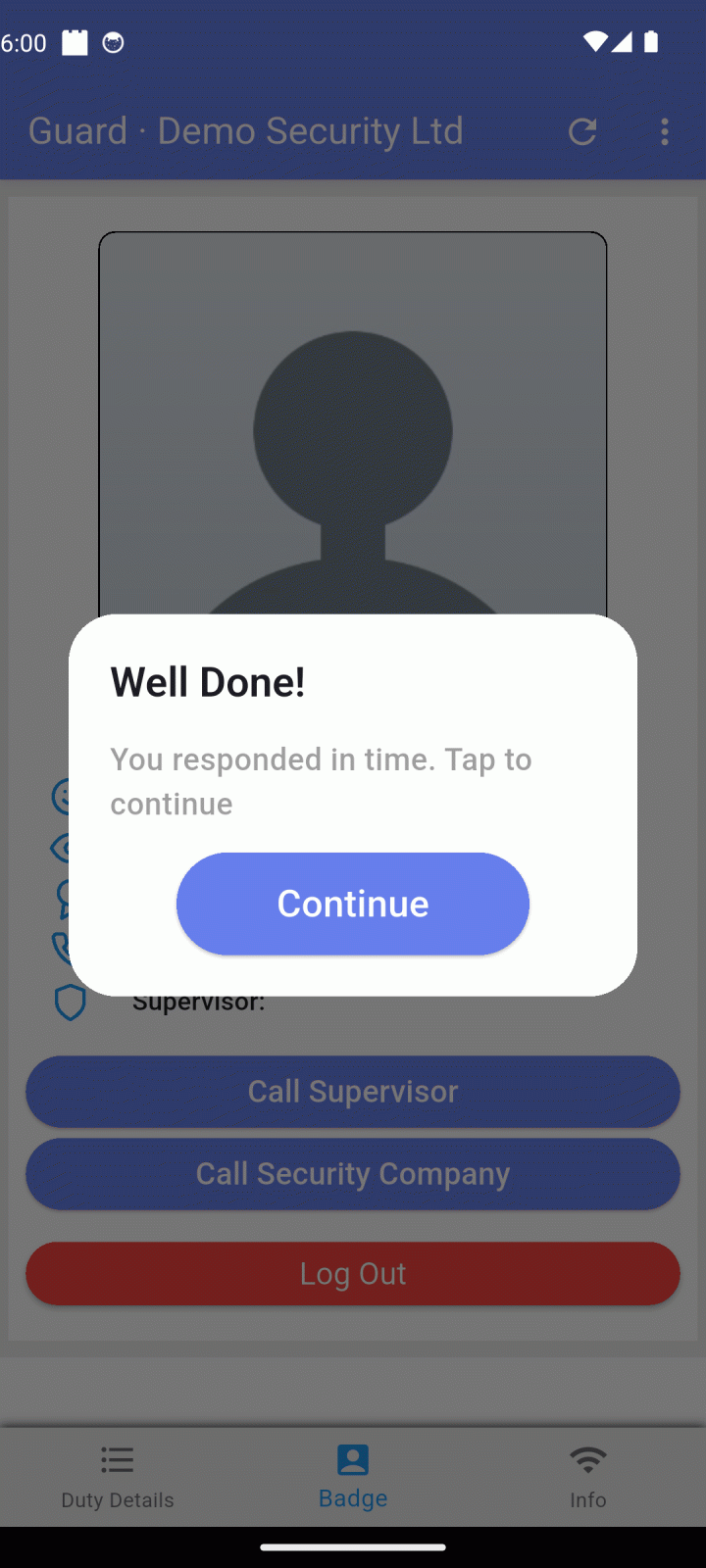
- "Well Done!" means your answer counted.
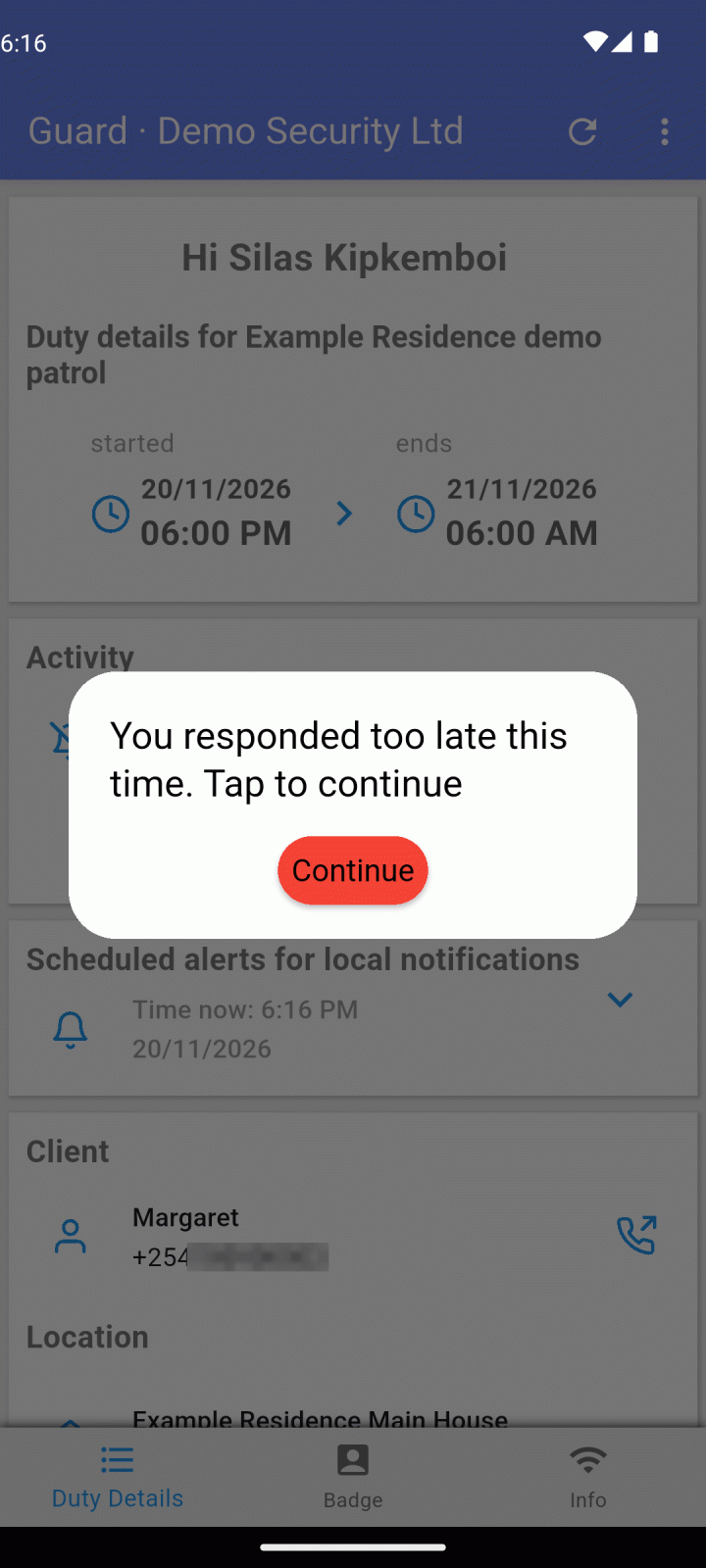
If you answer more than 60 seconds after the alert, you see "You responded too late this time" and the alert counts as missed. An alert you never answer, or swipe away, is missed too.