User Manuals Mobiliis Supervisor Guide
7. Your clients and notification copies
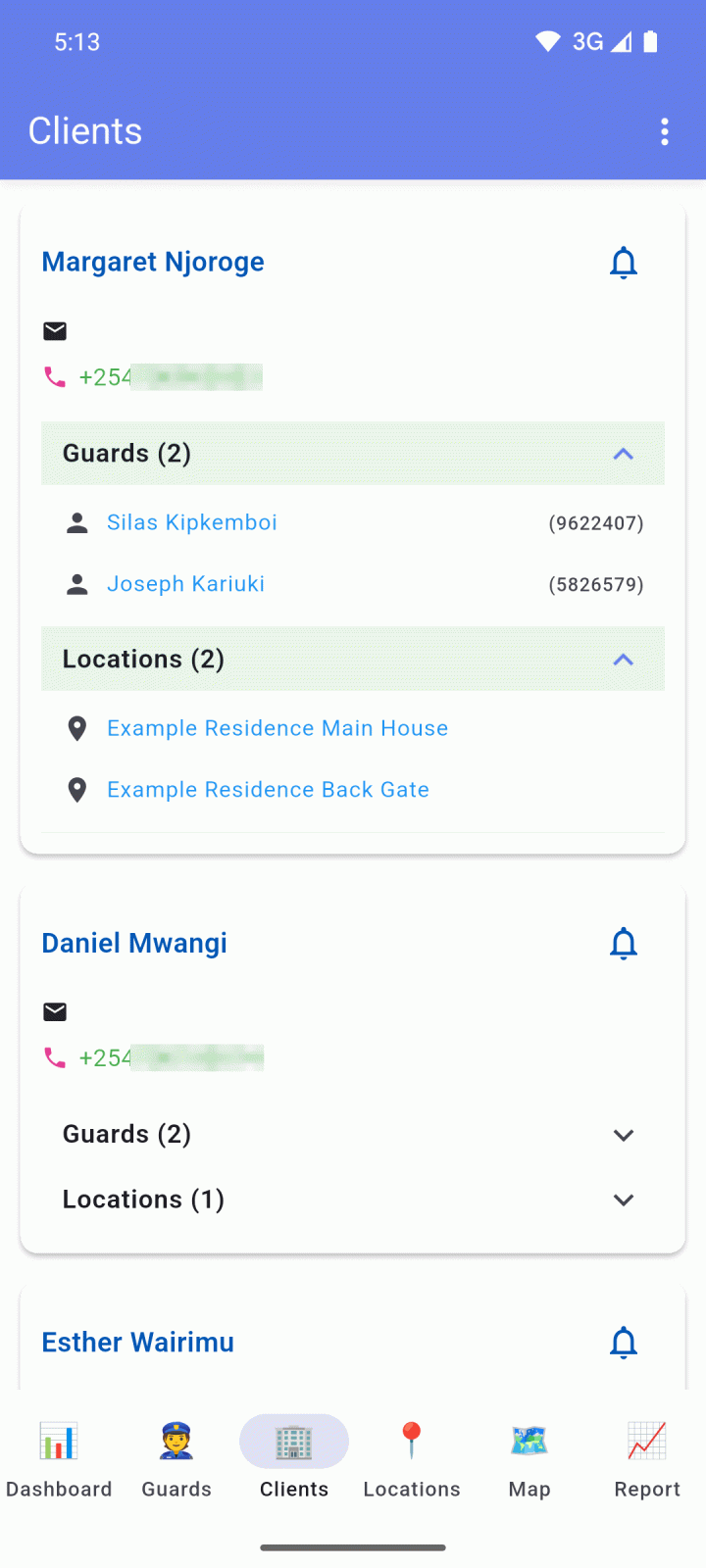
The Clients tab shows each of your clients with their guards and locations.
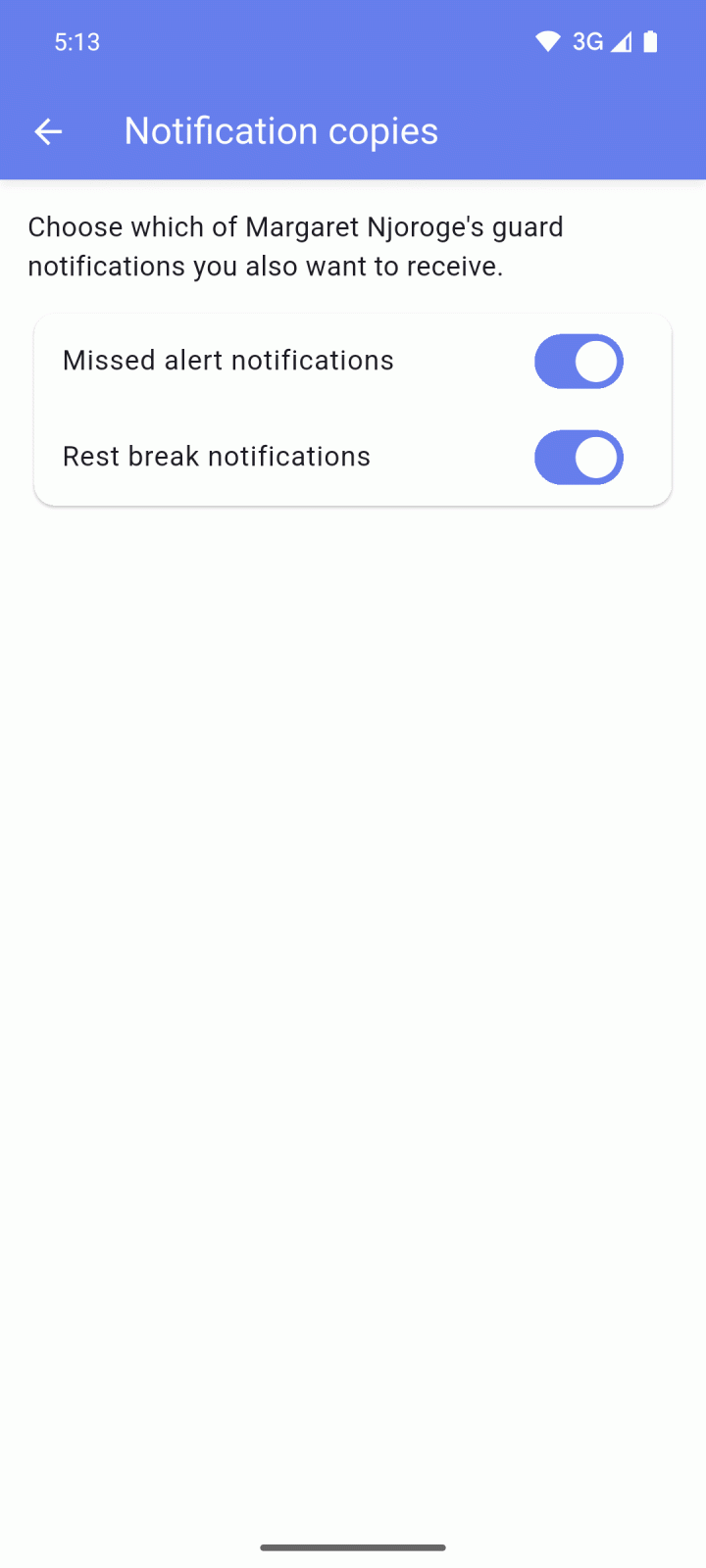
Tap the bell icon to the right of a client's name to choose which copies of that client's notifications you get. There are 2 switches:
- Missed alert notifications (this includes a guard not at the duty location at the start, which counts as a missed alert);
- Rest break notifications.