User Manuals Mobiliis Reseller Guide
3. Signing in and the SMS code
- On the admin website, type your email and password and press Log in.
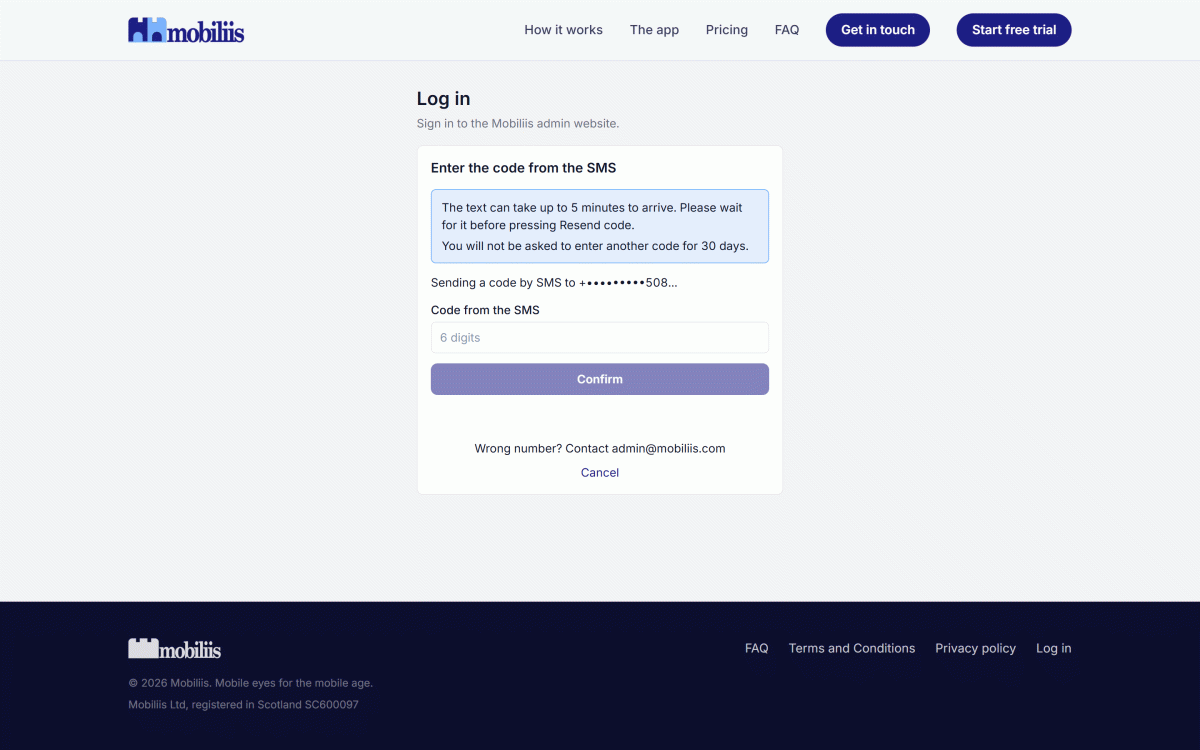
- On a new browser, Mobiliis asks for a code: type the code it sends to your mobile by SMS ("Please type the code we have sent by SMS.").
About the code:
- The text can take up to 5 minutes to arrive. Please wait for it before pressing Resend code.
- A code is only good for 15 minutes, and after 5 wrong tries you have to start again. After too many tries you see "Too many tries. Please wait an hour and try again."
- Once you have entered a code, that browser is remembered: "You will not be asked to enter another code for 30 days."
- If you change your password or your phone number, every browser asks for a code again.
- If the code goes to the wrong number: "Wrong number? Contact admin@mobiliis.com". If your account has no usable phone number, you are asked to contact admin@mobiliis.com too.
You cannot sign in while Mobiliis has switched off your reseller login. You then see "Your company account is currently suspended, try again later". Your companies carry on working as usual.
After signing in you see your Companies list.