User Manuals Mobiliis District Manager Guide
3. Signing in and the SMS code
- On the admin website, type your email and the password your company admin gave you, and press Log in.
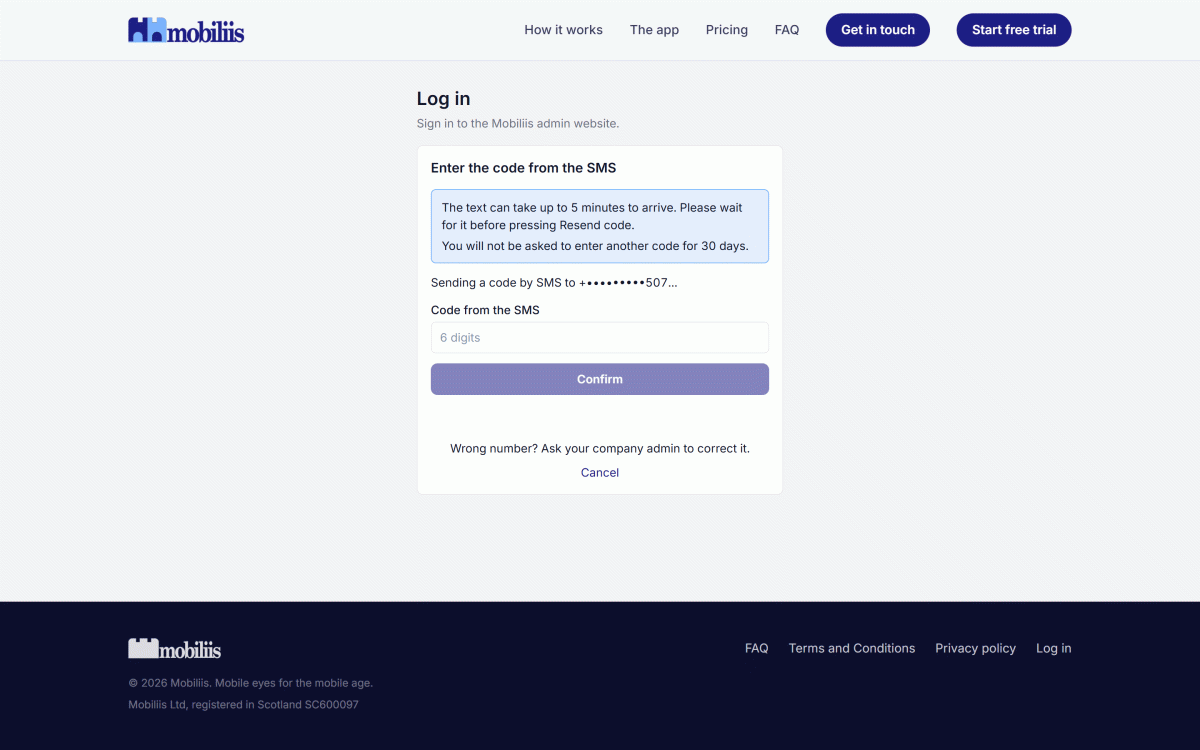
- Type the 6-digit code Mobiliis sends to your mobile by SMS. Once you have entered a code, you are not asked for another one on that browser for 30 days.
If the code goes to the wrong number, ask your company admin to correct it.
You cannot sign in while your company account is suspended, or while your company admin has suspended your own login.