User Manuals Mobiliis Company Admin Guide
7. Finding your way around
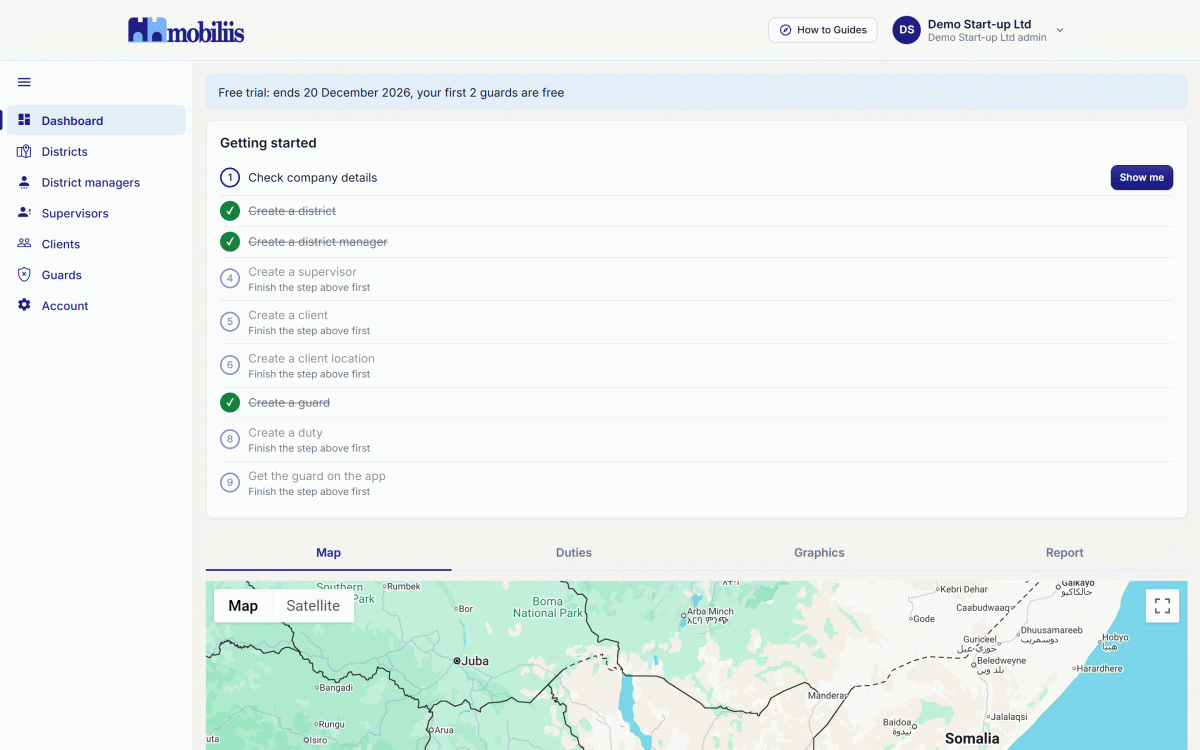
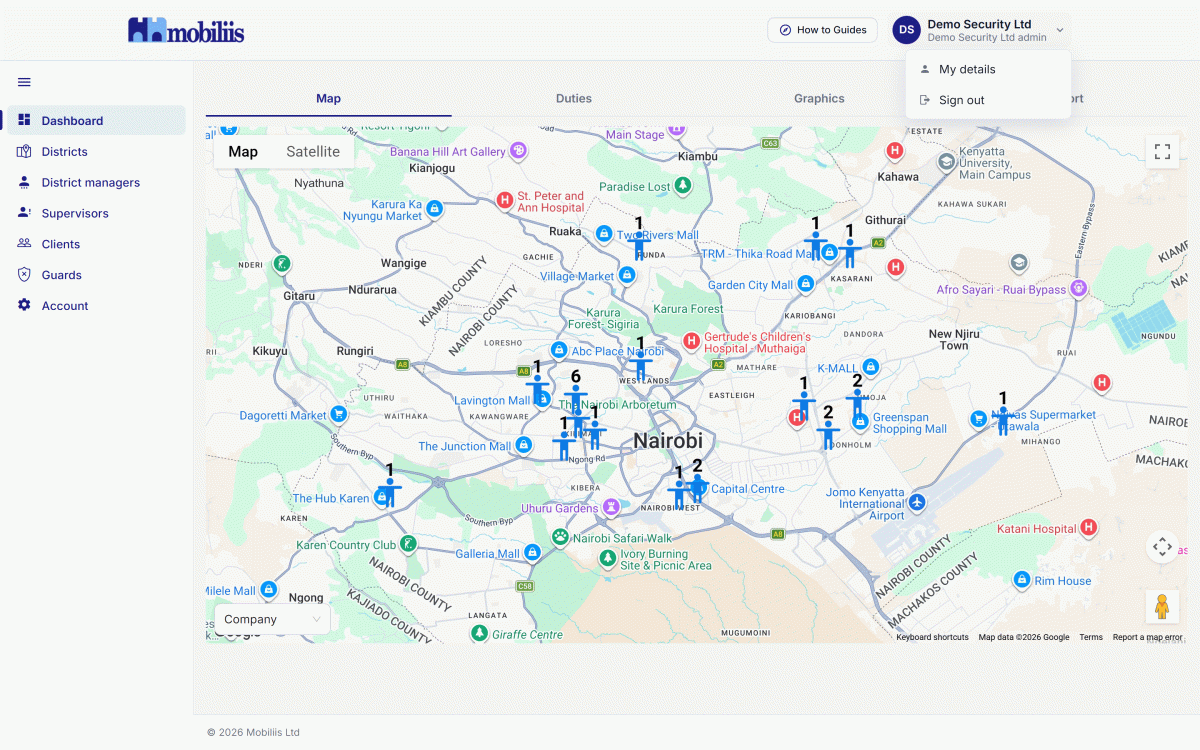
- Top bar: the Mobiliis logo, How to Guides, and your initials or name. Click your name for My details and Sign out.
- Side menu: Dashboard, Districts, District managers, Supervisors, Clients, Guards, Account.
- Banners across the top when something needs your attention:
- Free trial, with the date it ends;
- Overdue invoice, with Pay now;
- Suspended: while your account is suspended, only the Account page (Billing, Support and Common Questions) works.
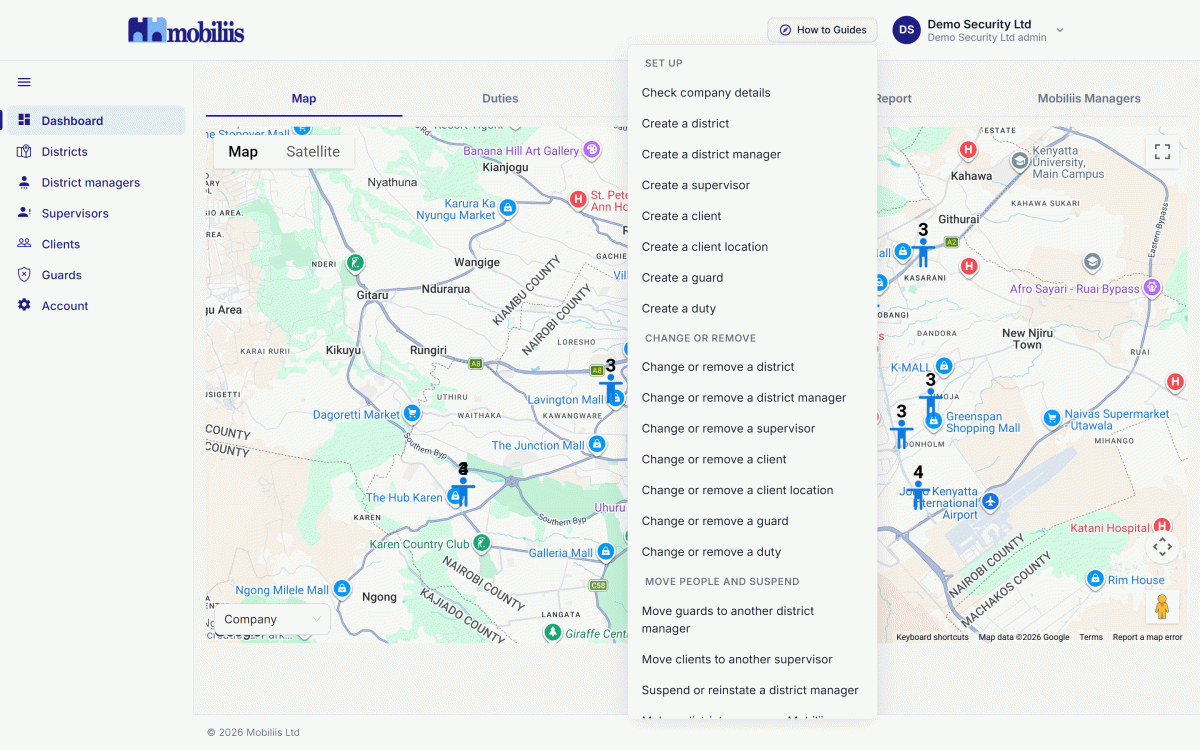
- How to Guides: step-by-step walk-throughs on the real pages. Choose one and press Show me; a box moves to each thing to click.
Support is a tab on the Account page, not an item in the side menu.