User Manuals Mobiliis Company Admin Guide
8. Your first steps: the Getting started list
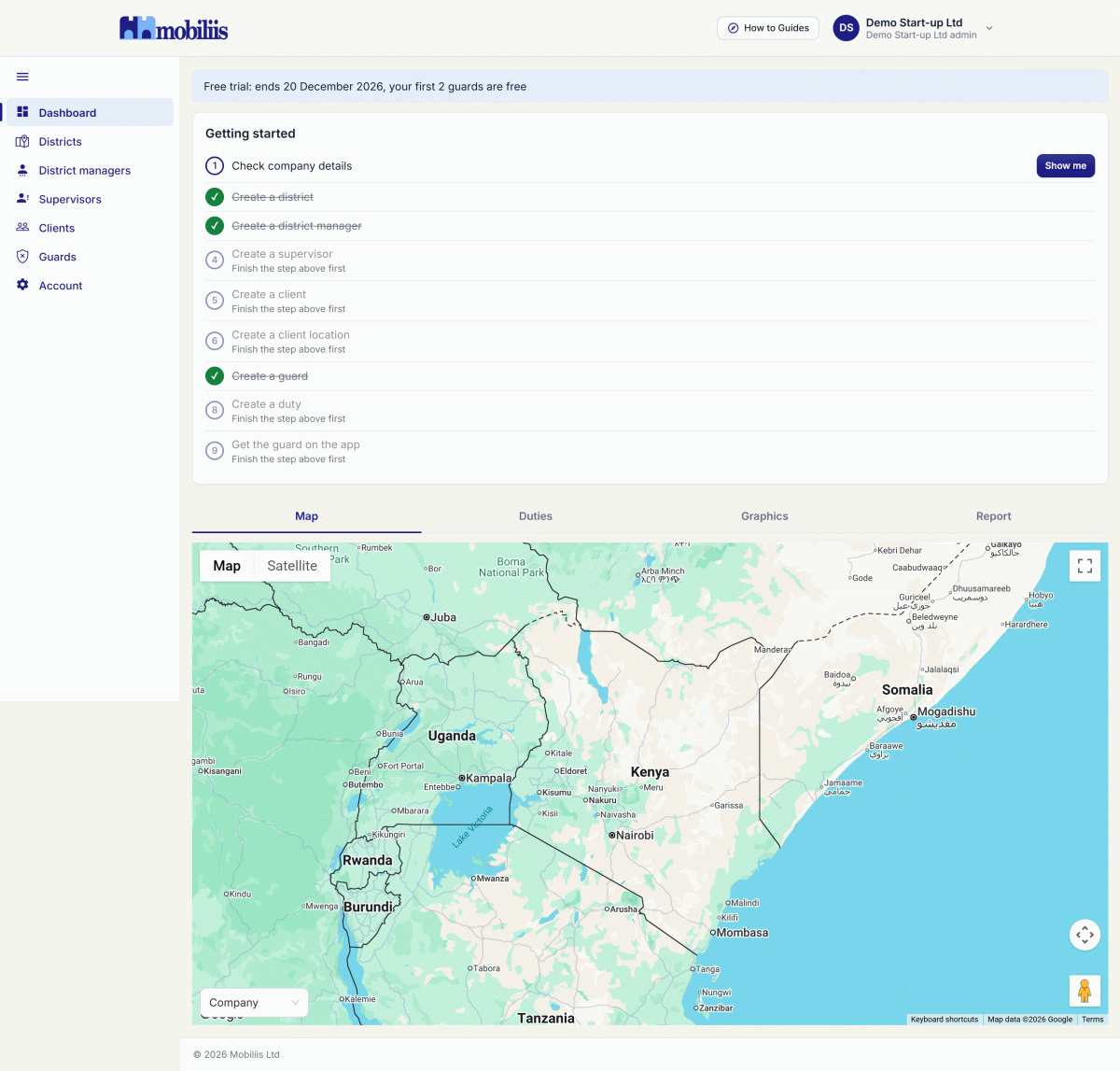
When you first sign in, the dashboard shows a Getting started card with 9 steps. Each step has Show me, which walks you through it on the real page.
- Check company details
- Create a district
- Create a district manager
- Create a supervisor
- Create a client
- Create a client location
- Create a guard
- Create a duty
- Get the guard on the app
The steps open in this order only ("Finish the step above first"), because each one needs the one before. For example, a guard must be placed in a district with a district manager, so those come first.
A step you have already done another way (for example a guard added before the steps above it) is ticked even if the steps above it are still open.