User Manuals Mobiliis Client Guide
6. Watching the guard's route
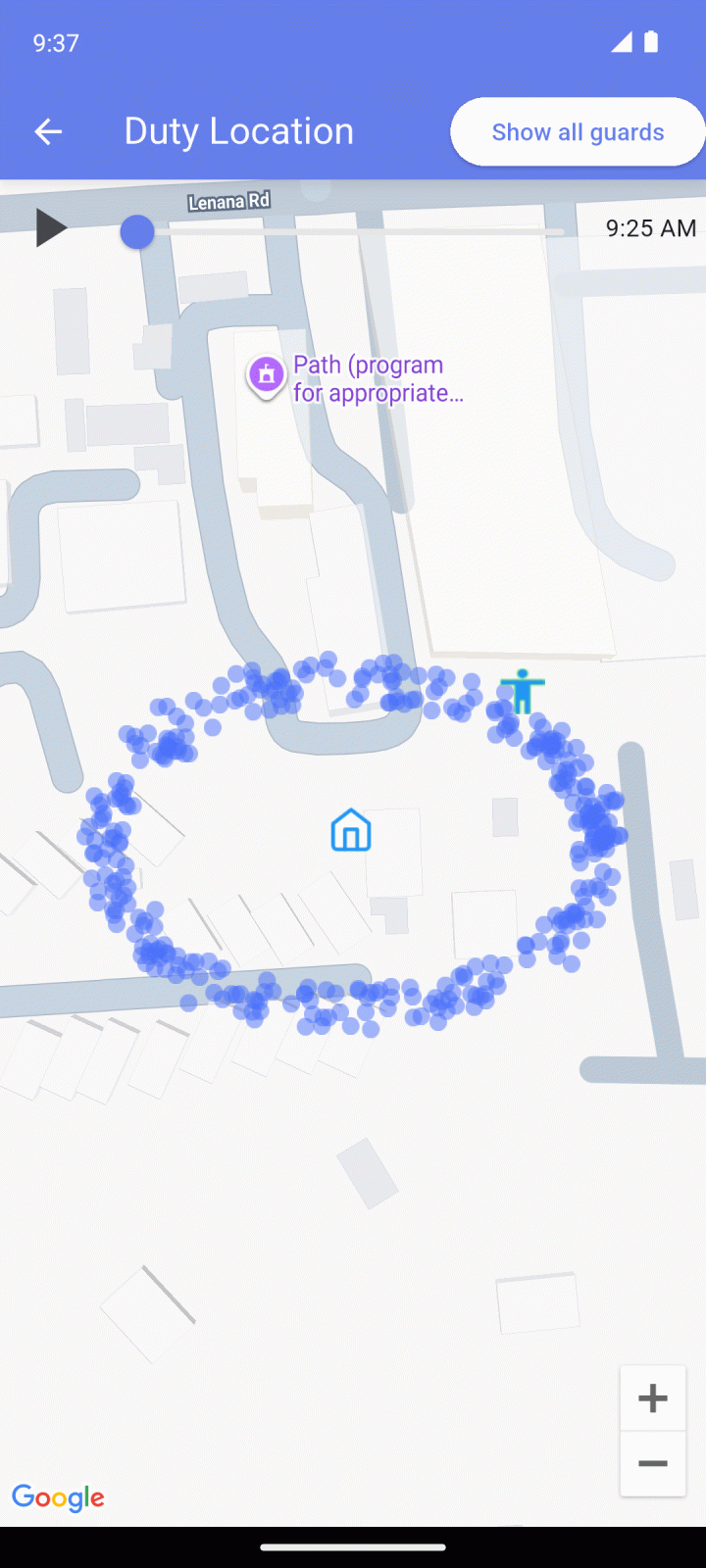
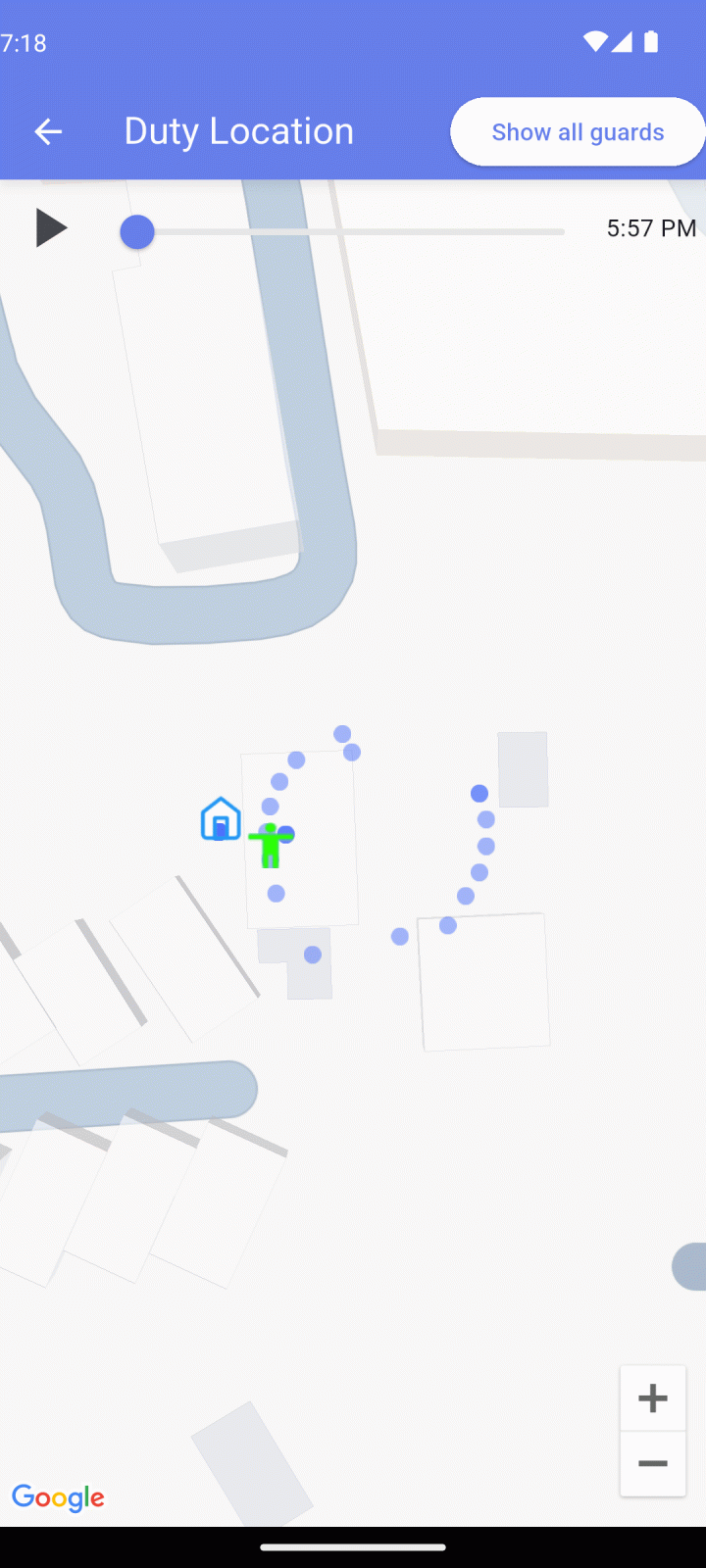
Tap View on map to open the Duty Location map.
- Each dot is a tracking point, one every 2 minutes. Blue means the guard's phone was online, red offline.
- The house is the duty location.
- Press Play, or drag the slider, to follow the route from start to end. All times are the duty location's local time.
- Show all guards shows every guard at your locations; Show tracking dots shows or hides the dots. The map can show the tracking dots of only one guard at a time; when you view all your guards, it shows each guard's last known location, updated with 2 more dots every 4 minutes.
If the route cannot load, you see "Could not load the guard's route" with Try again.