User Manuals Mobiliis Reseller Guide
4. Finding your way around
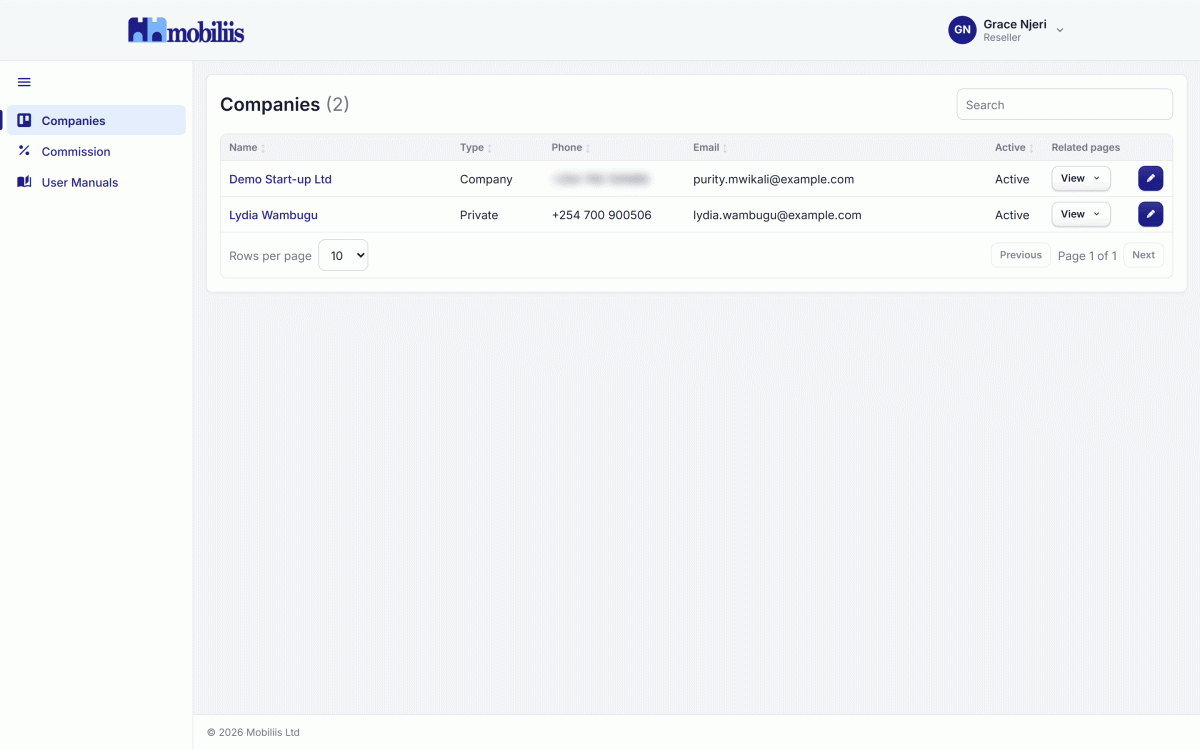
- Side menu: Companies, Commission and User Manuals.
- Top bar: your name with "Reseller" under it. Click it for My details and Sign out.
- User Manuals (side menu): these guides, with this Reseller Guide first.
Once you open a company, its name appears in the side menu as a heading, with Districts, District managers, Supervisors, Clients, Guards and Account under it (section 6).