User Manuals Mobiliis Company Admin Guide
4. Signing in
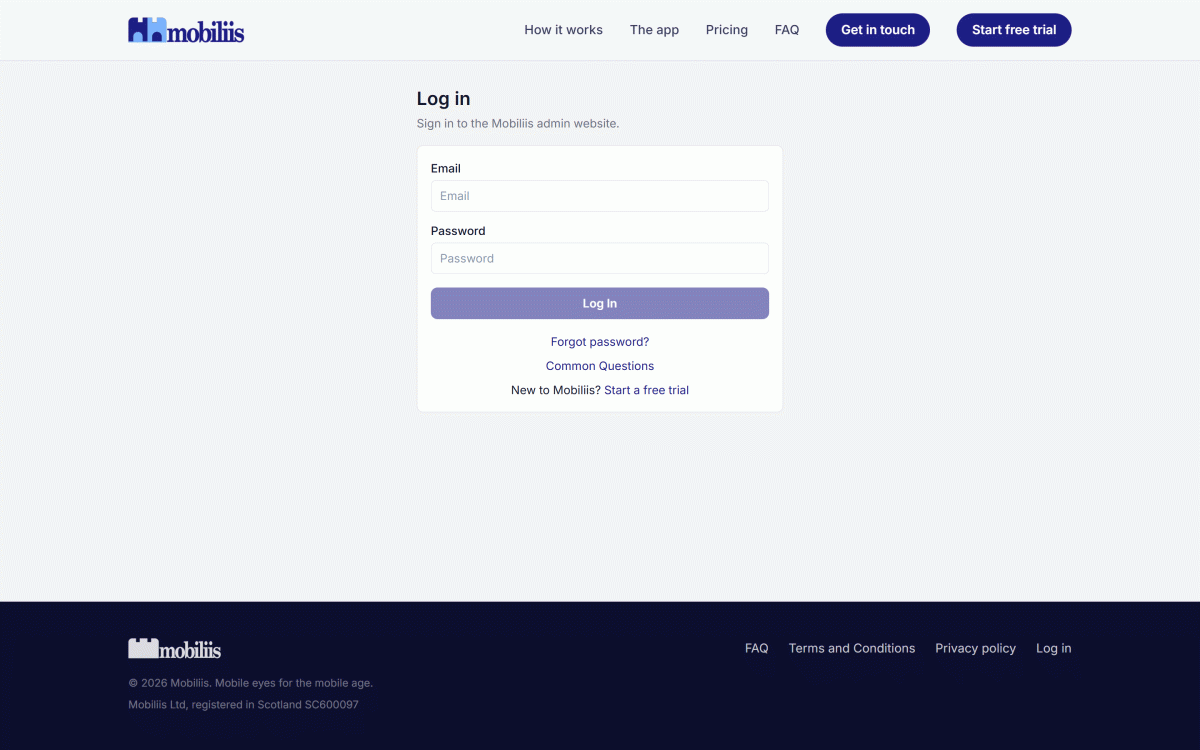
- Go to the admin website and type your email and password.
- Press Log in.
- Enter the 6-digit code Mobiliis sends to your mobile by SMS (section 5).
You stay signed in on that browser for up to 7 days without using it, and for 90 days at most. After that you see "Your session has expired" and sign in again.
Forgot your password? Press Forgot password? on the sign-in page, type your email and press Send me a link. Open the email, click the link and choose a new password. The link works once, within 12 hours.