User Manuals Mobiliis Supervisor Guide
2. If you have more than one role
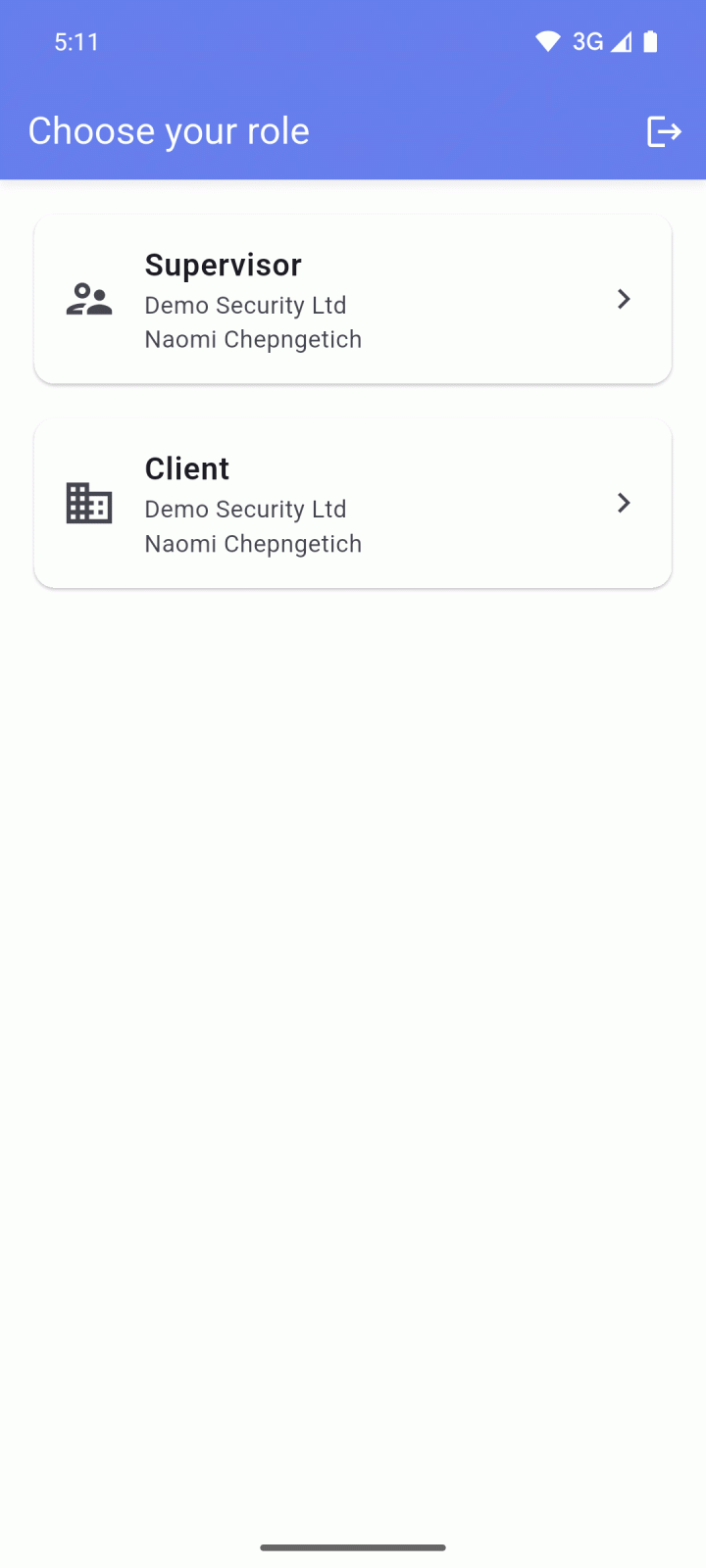
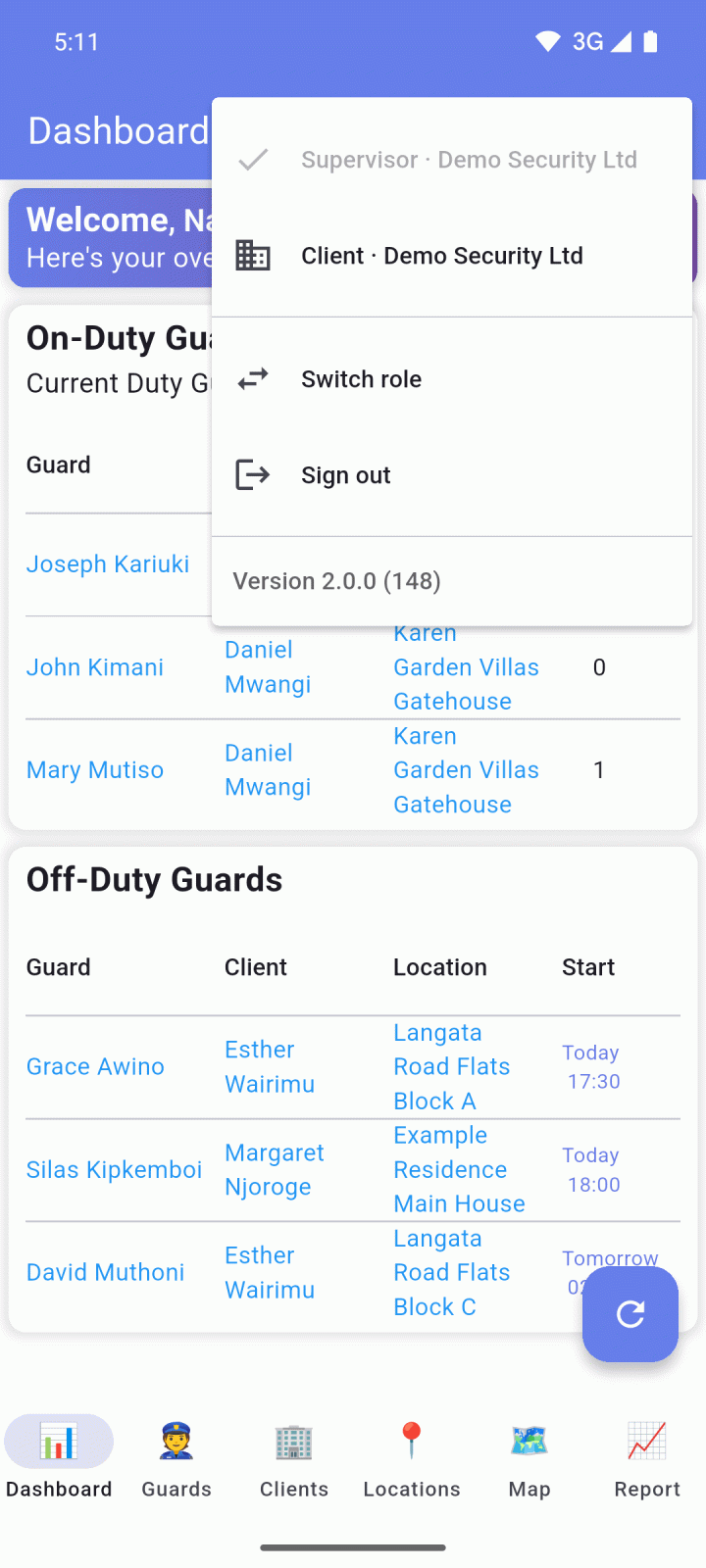
If you are also a client or a guard, once you have signed in the app asks you to choose which of your roles you want to open. To change role later, tap the ⋮ menu at the top right: it lists each of your roles (the one open now has a tick). Tap another to open it. The menu also has Switch role, Sign out and the app's version.