User Manuals Mobiliis Supervisor Guide
13. App updates, a suspended company, signing out
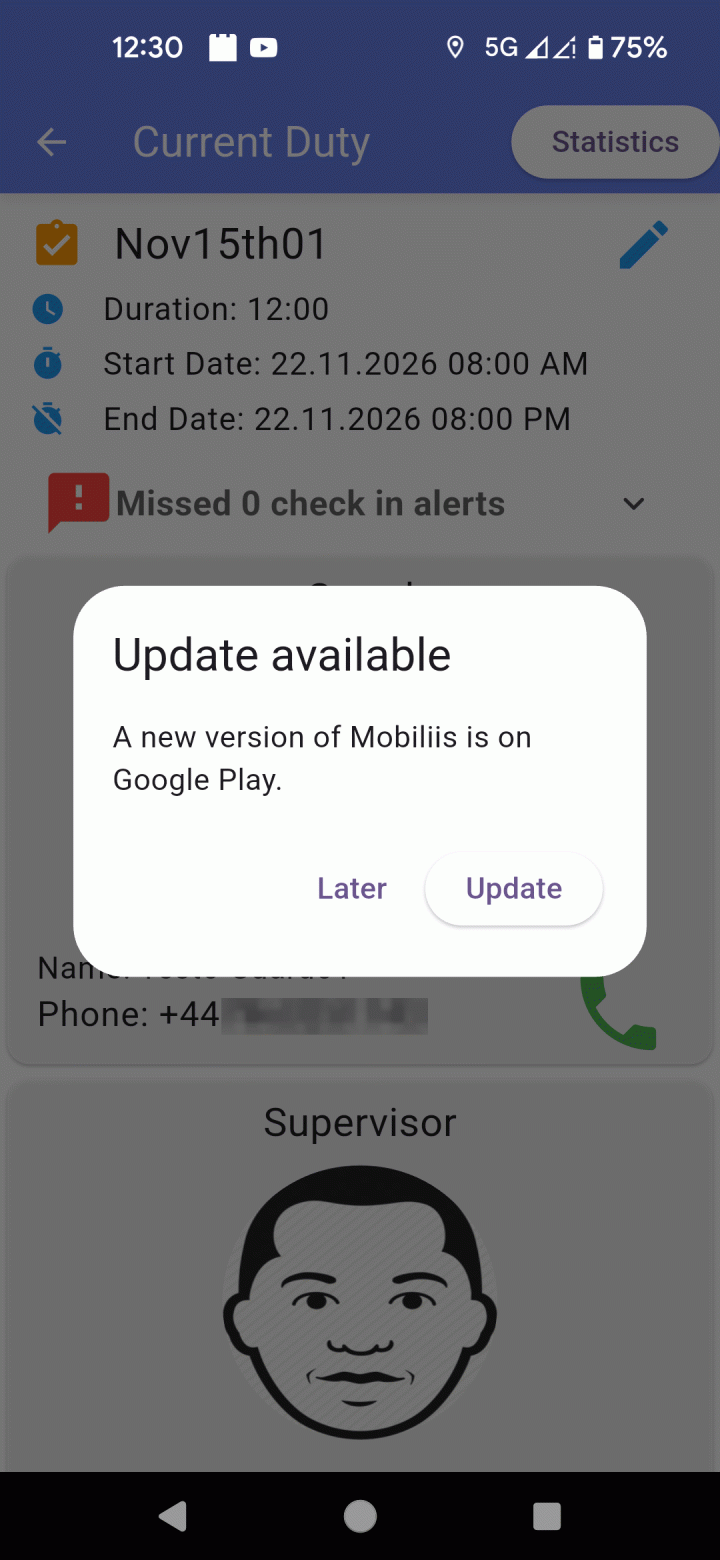
- When a new version is ready, the app shows Update available. Tap it to update from Google Play.
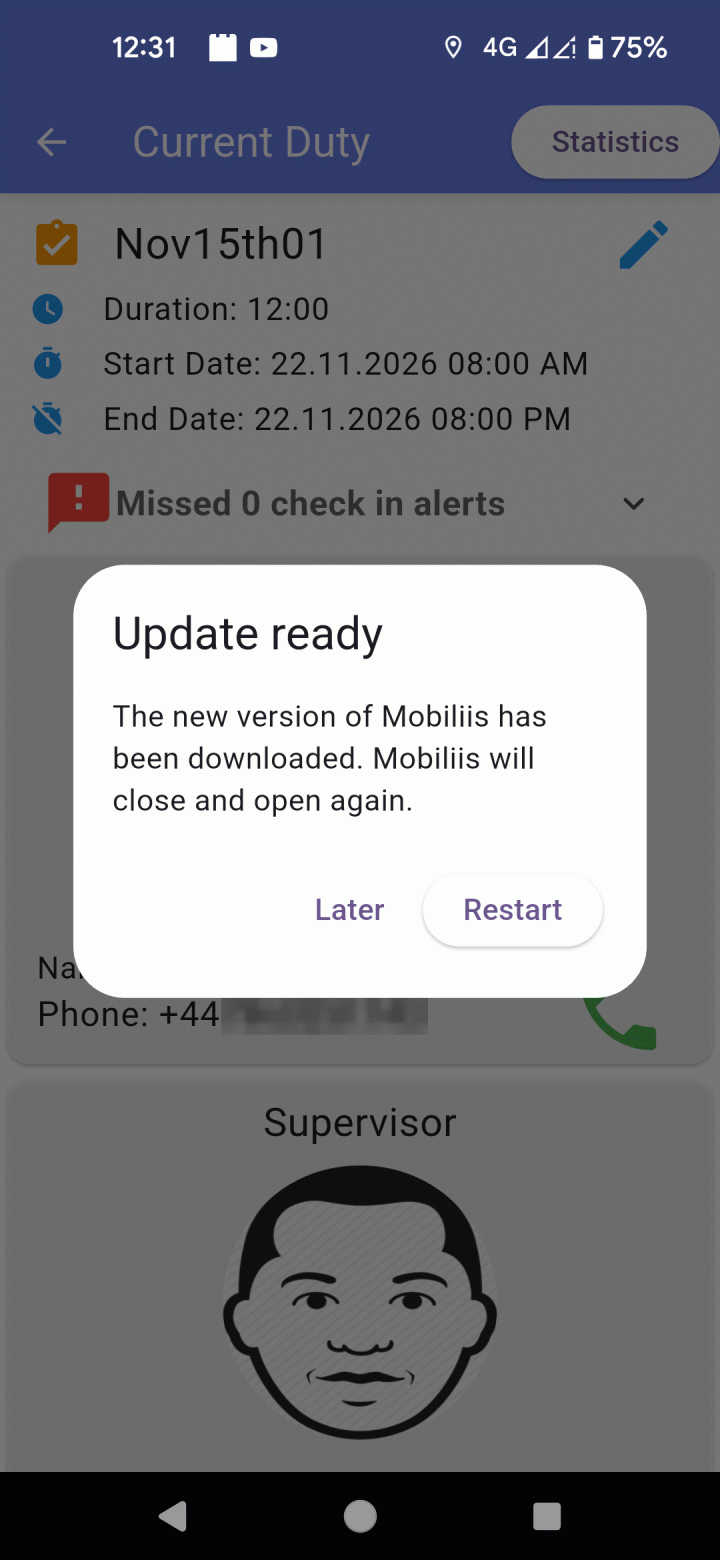
- When the download has finished, the app shows Update ready. Tap it to restart the app with the new version.
- If your company's account is suspended, a yellow banner says so and the lists are empty until it is reinstated.
- To sign out, tap the ⋮ menu, then Sign out.