User Manuals Mobiliis Company Admin Guide
3. Confirming your email address
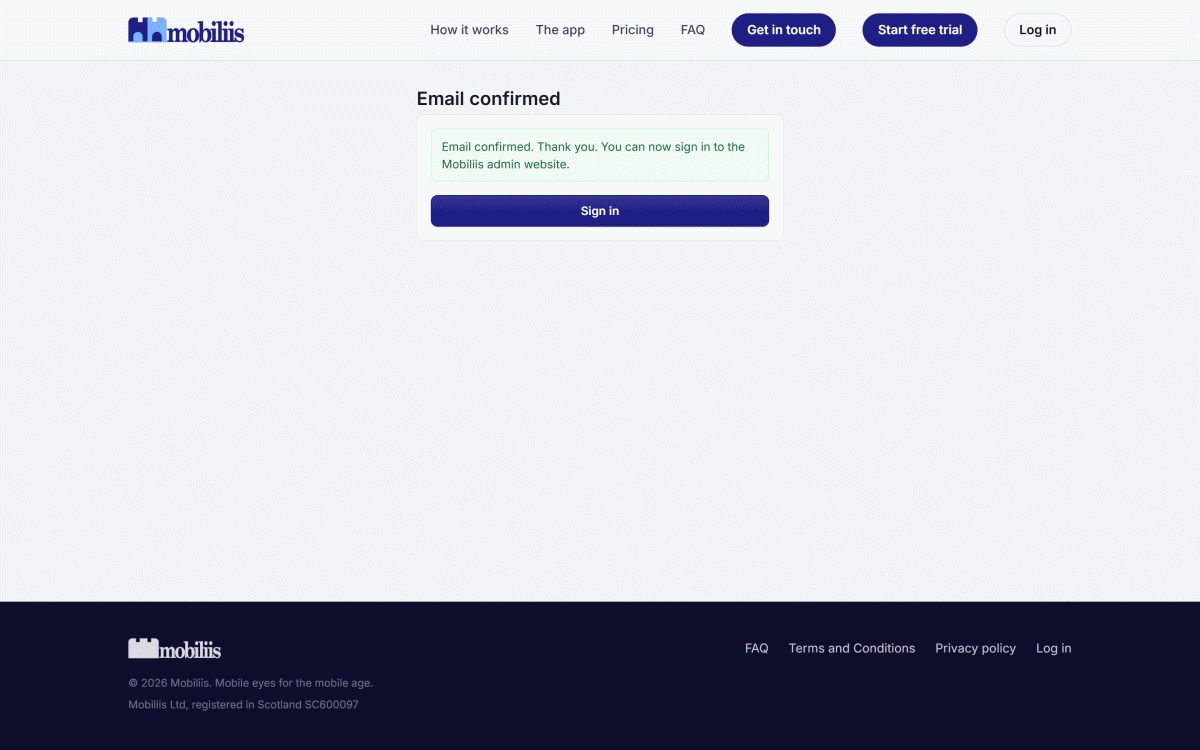
Open the email from Mobiliis and click the link. The page "Email confirmed" opens and you can sign in. You also get a welcome email.
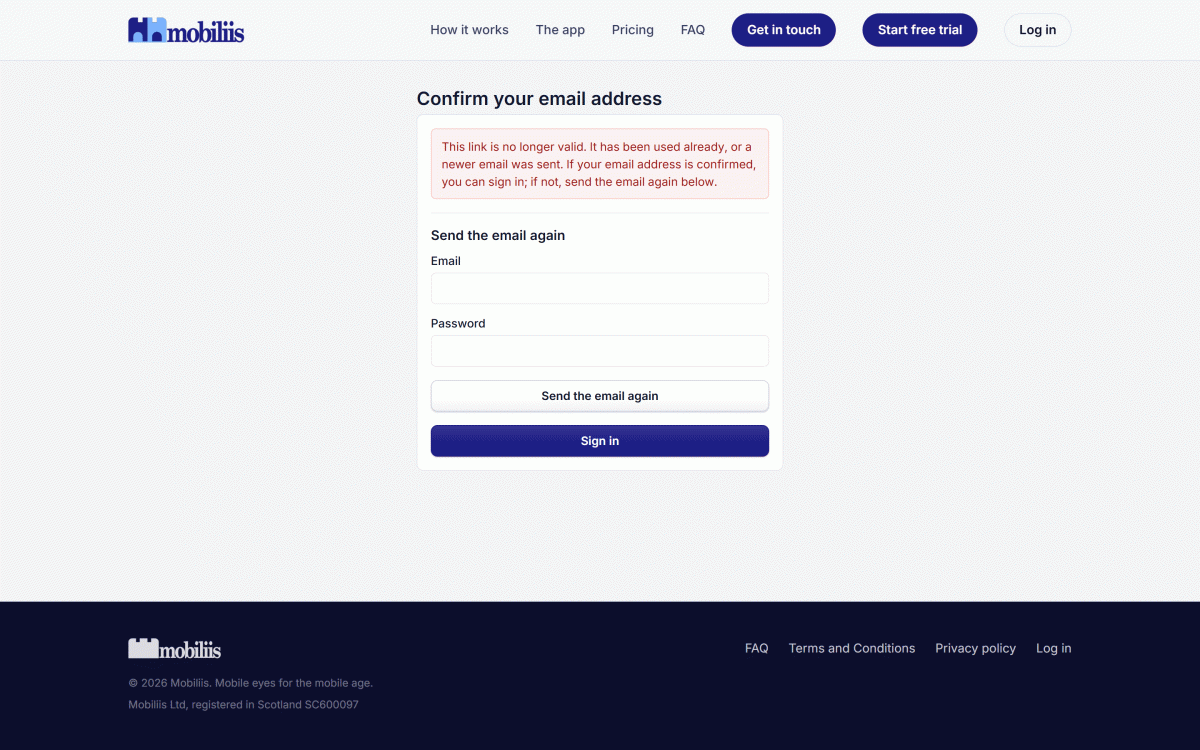
If the link has expired, the page says "This link is no longer valid…". Type your email address and password there and press Send the email again.
You cannot sign in until your email address is confirmed. If you try, you see "Your email address is not confirmed yet…".