User Manuals Mobiliis Supervisor Guide
4. Your guards
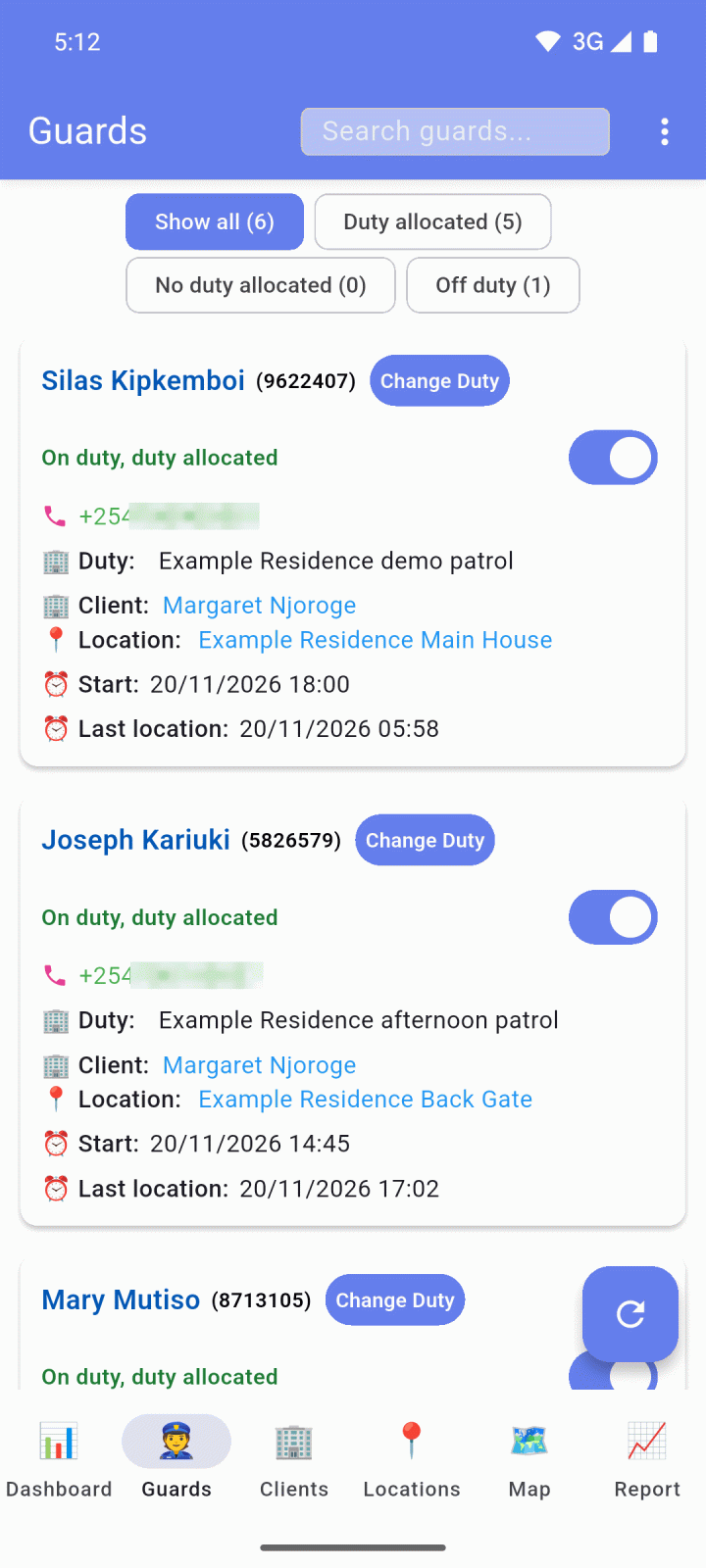
The Guards tab lists the guards working for your clients.
- Search by name.
- Filter by Duty allocated, No duty allocated or Off duty (or Show all), to find a guard who is free.
- The On duty / Off duty switch takes a guard off duty, or puts them back on. While off duty, their alerts do not count.
- Call a guard with the phone button.
- Last location: the time Mobiliis last received the guard's location.
You cannot add or edit guards; your company does that on the admin website.