User Manuals Mobiliis District Manager Guide
14. If you are a Mobiliis Manager
Your company admin can make you a Mobiliis Manager. You then help to run your company's Mobiliis account: you can do everything the company admin can across the whole Mobiliis account, except billing, admin logins and changing the company information.
Your label shows as "Mobiliis Manager" in place of "District Manager", for example on your page ("Role: Mobiliis Manager") and next to changes you make.
You sign in just as before (section 3).
What changes for you
- The whole Mobiliis account: you are no longer limited to your own district, so what section 1 says you cannot see no longer applies to you, apart from the points below.
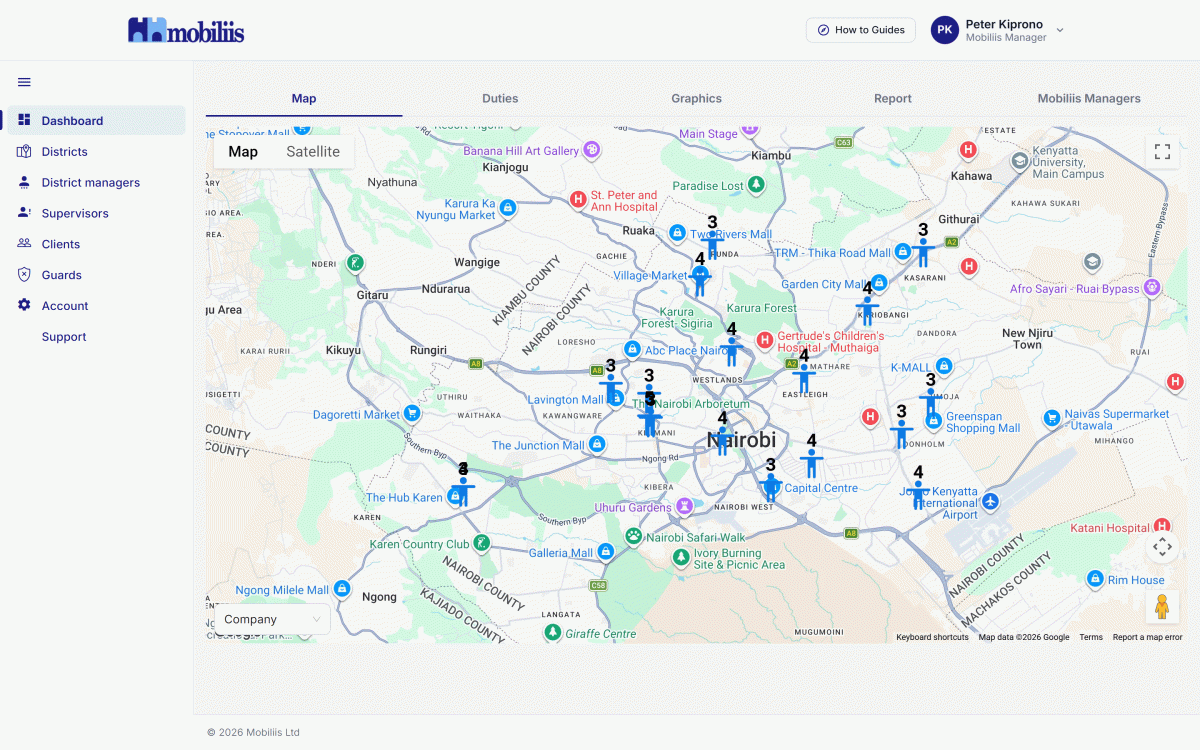
- Side menu: Dashboard, Districts, District managers, Supervisors, Clients, Guards, Account and Support.
- District managers: you can add district managers, and change, suspend or delete ordinary district managers. You cannot change, suspend or delete a Mobiliis Manager, yourself included: only the company admin can.
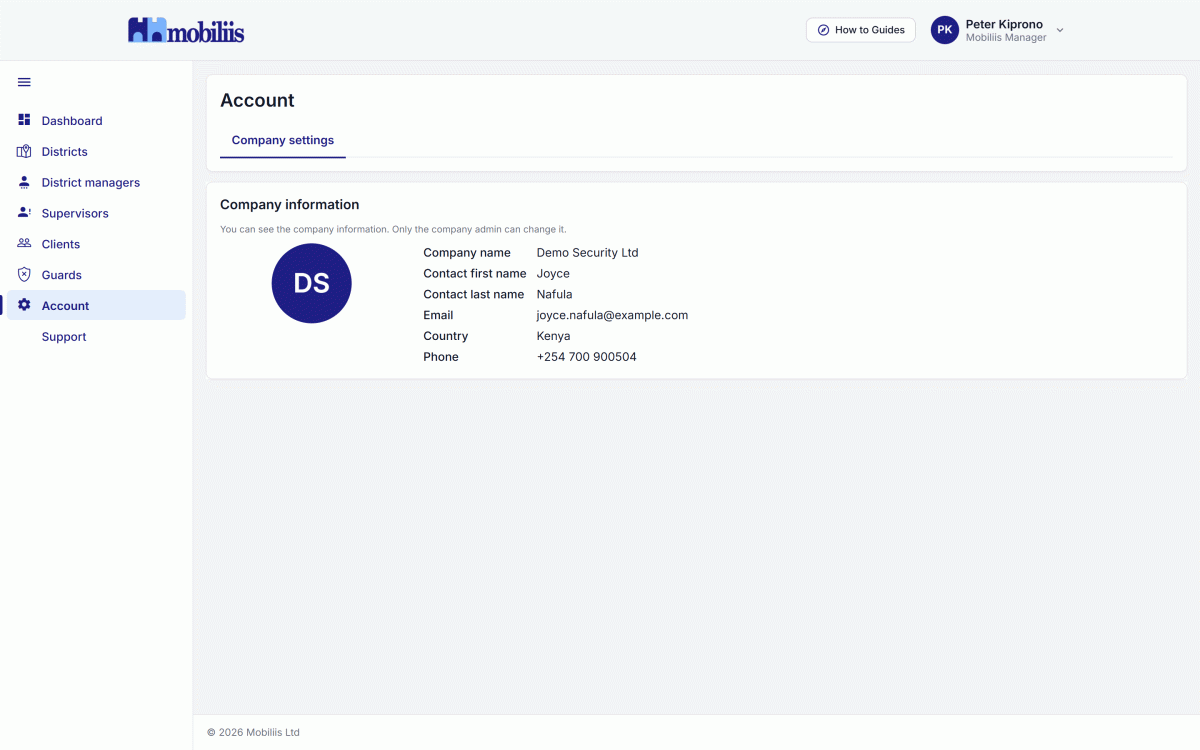
- Account: only the Company settings tab, with the company information to read. The page says "You can see the company information. Only the company admin can change it."
- Support: you see all the support tickets of your Mobiliis account, not only your own.
- Dashboard: a fifth tab, Mobiliis Managers (below).
- Your own daily report: on the Report tab you can choose any part of your Mobiliis account, not only your district. It is emailed to your own email address.
What stays with your company admin
The company's billing is for your company admin only, so you don't see a Billing tab.
These also stay with your company admin. If you try one of them, Mobiliis tells you to ask your company admin:
- the company's admin logins;
- changing the company information;
- making someone a Mobiliis Manager.
Every change you make is recorded
Every change you make on the admin website is kept in your Mobiliis account's Activity trail: who, when, what, and the record's details before and after. Your company admin and the other Mobiliis Managers can see it. Entries cannot be changed or deleted. Simply looking at a page is not recorded.
The Mobiliis Managers tab
On the dashboard, the tab Mobiliis Managers shows:
- Managers: the Mobiliis Managers of your account; click a name to open their page;
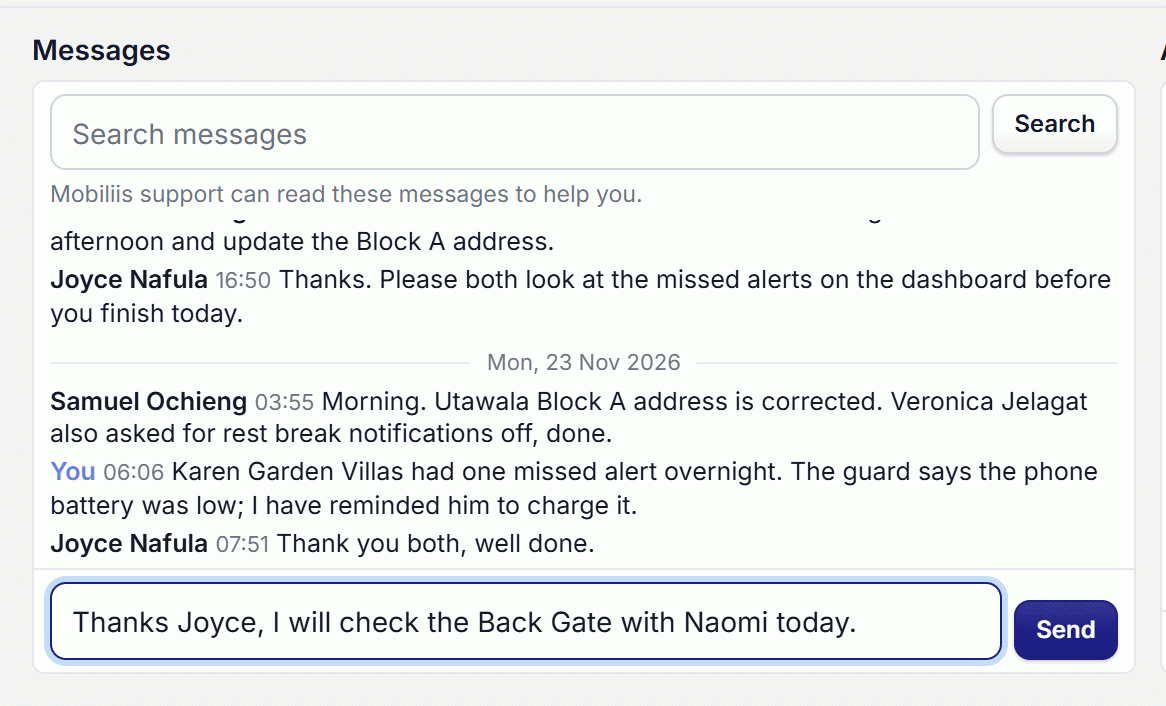
- Messages: one shared conversation with your company admin, the other Mobiliis Managers and Mobiliis support;
- Activity trail: the latest 20 changes; press Open full trail for all of them.
Messages and the Activity trail are only on this tab, not in the side menu.
A red number on the tab shows your unread messages.
Messages
Messages starts once your Mobiliis account has two or more Mobiliis Managers. "Mobiliis support can read these messages to help you."
- Type in Write a message (text only, up to 2,000 characters).
- Press Send, or Enter. Shift+Enter starts a new line.
Scroll up for older messages, or use Search messages. Mobiliis sends no emails or phone notifications for messages, so check the tab.