User Manuals Mobiliis District Manager Guide
5. The dashboard for your district
Everything on the dashboard is limited to your district. Each tab has its own selector and remembers its own last choice on this browser.
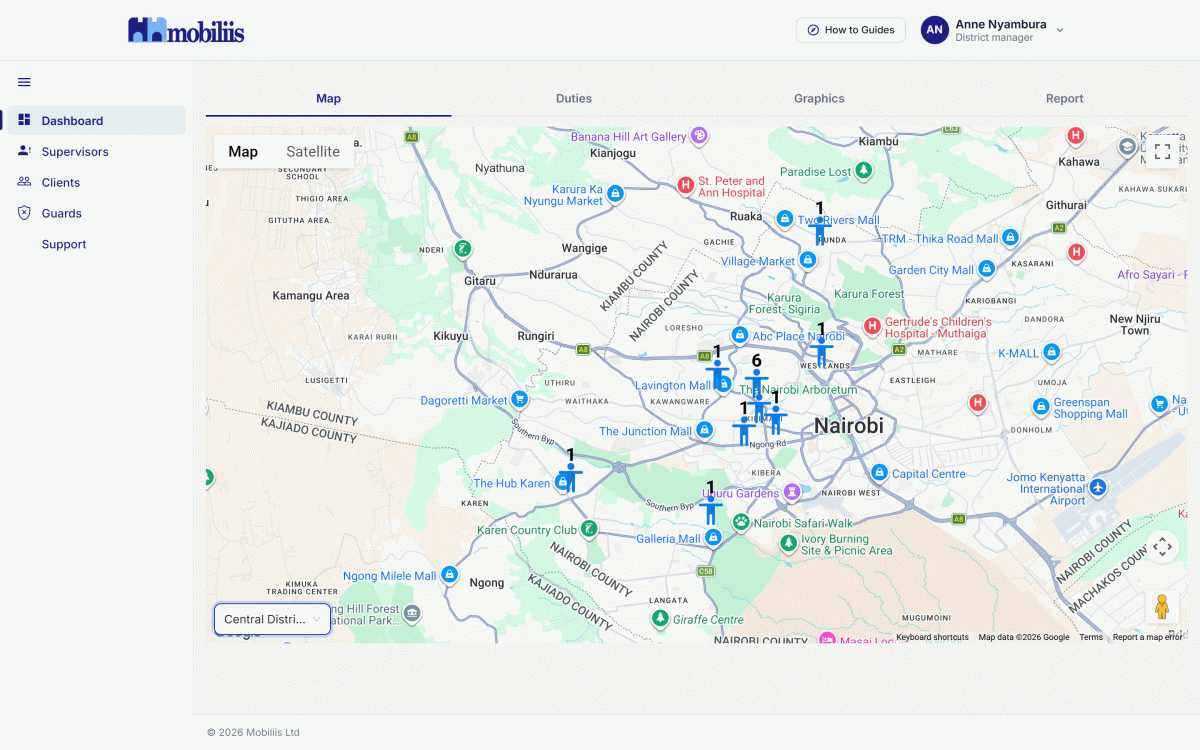
- Map: your guards on duty now. Blue is online; red is offline (no location for 4 minutes), shown at the last known position. The number above a guard is their missed alert count.
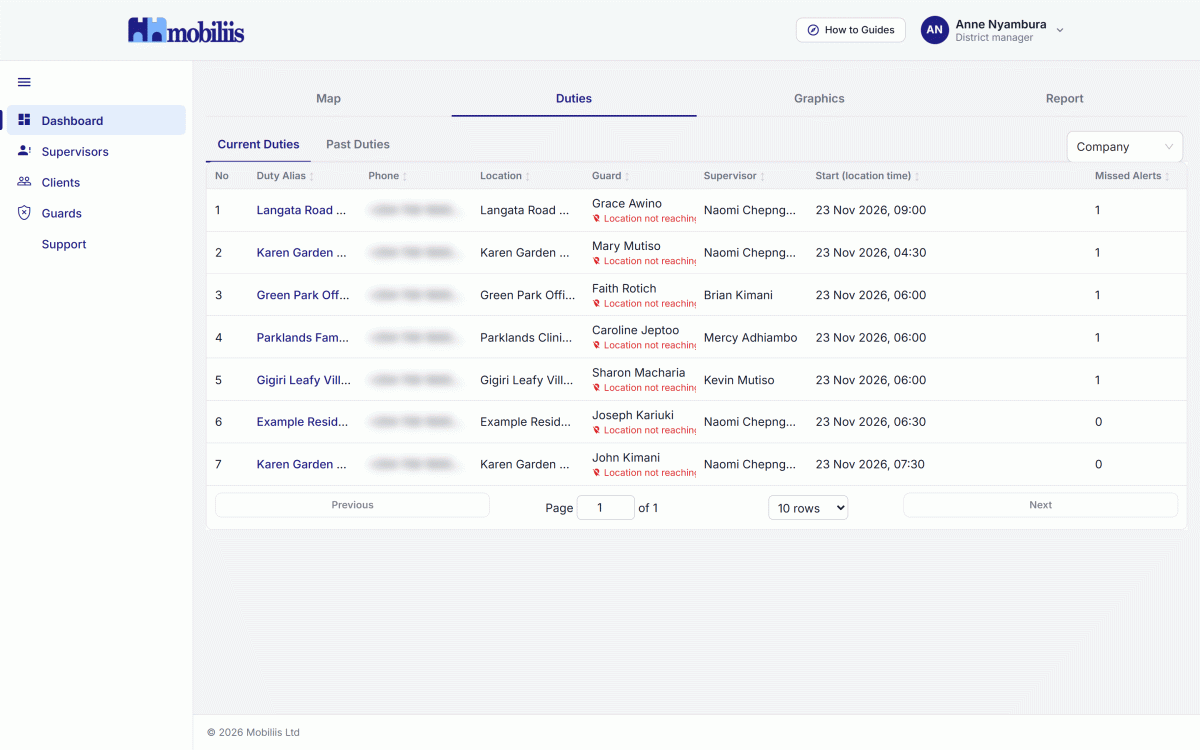
- Duties: Current and Past duties. Click a duty to open it. "Location not reaching the server since HH:MM" shows when a running duty's guard has stopped sending their location.
- Graphics: charts of Hit record and missed alerts.
- Report: see section 6.