User Manuals Mobiliis Supervisor Guide
1. Getting the app and signing in
- Install Mobiliis from Google Play.

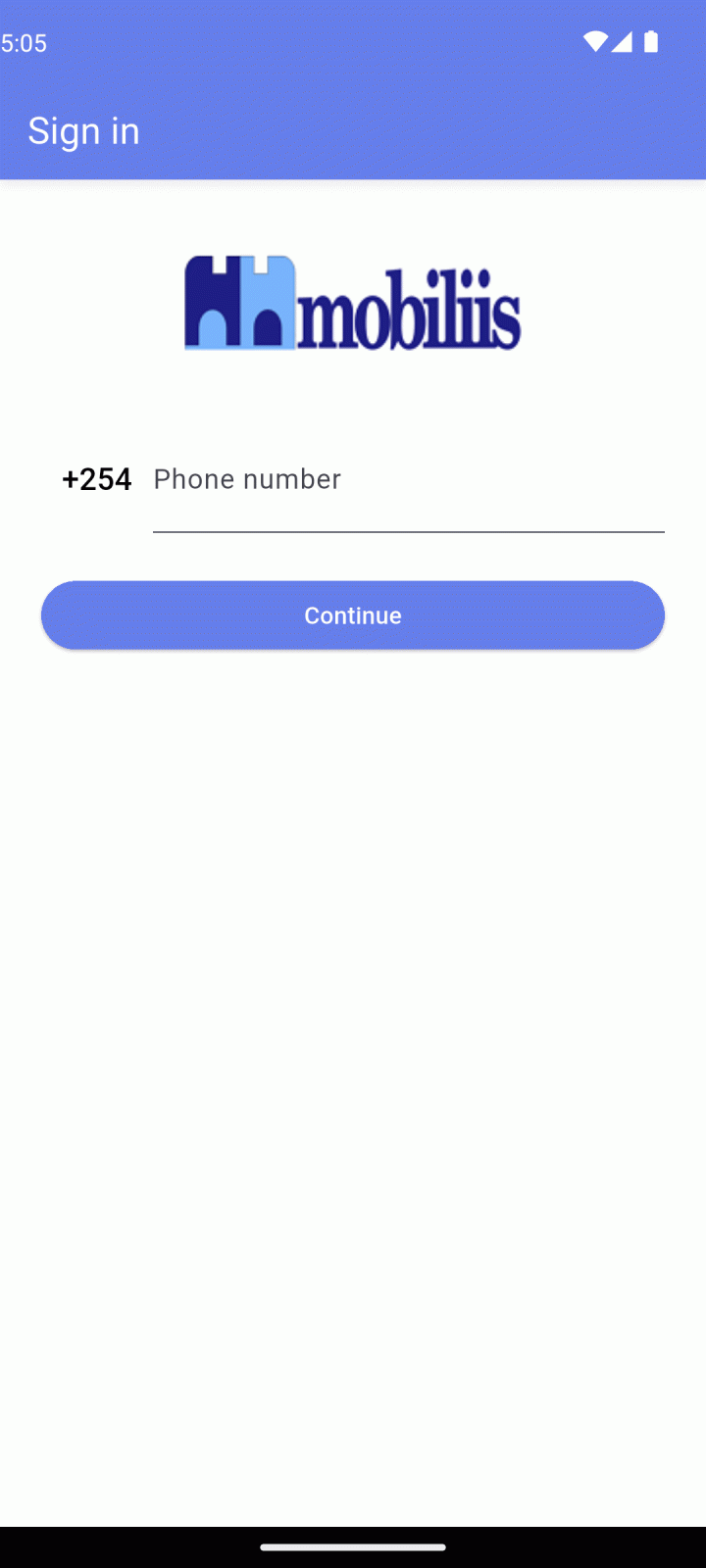
- Open it and type your phone number (the one your company entered for you).
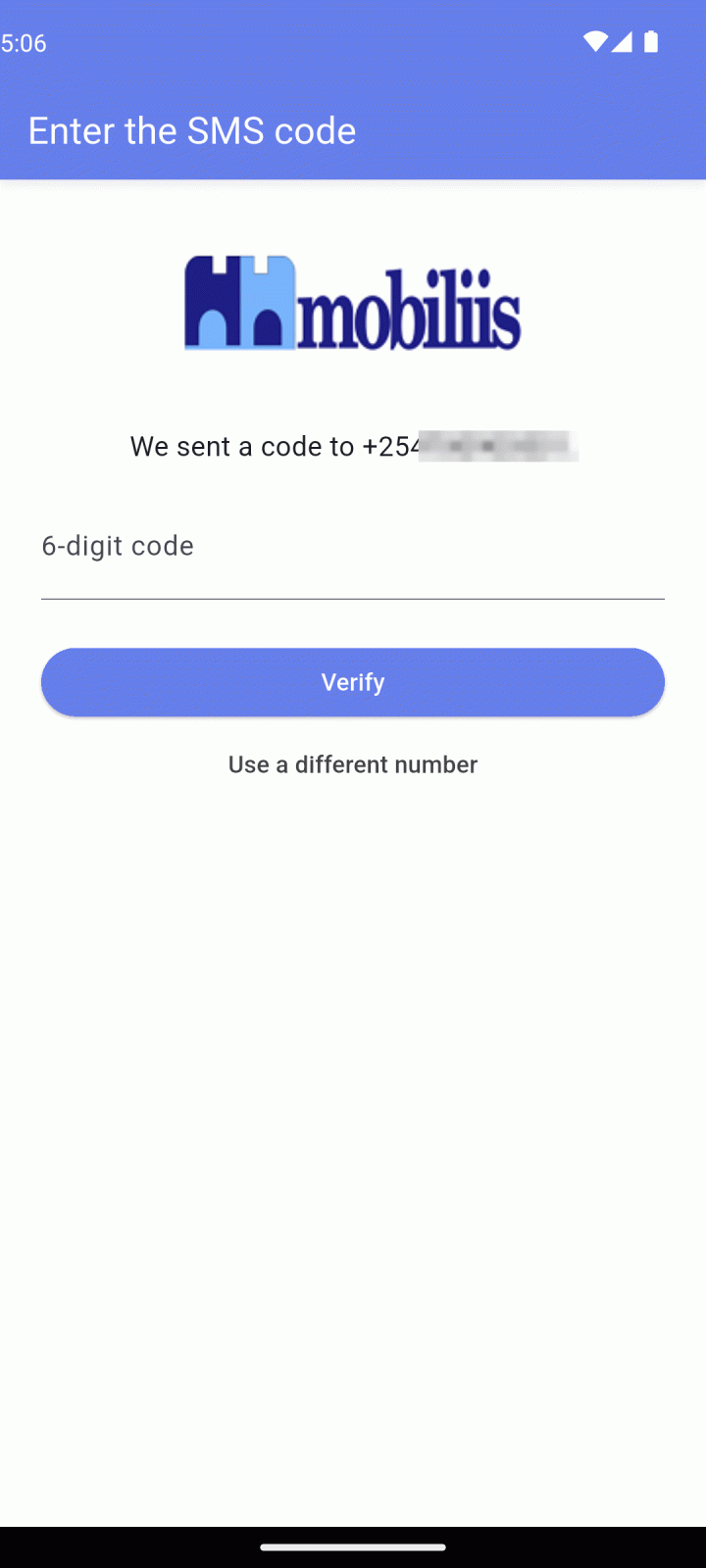
- Type the code from the SMS.
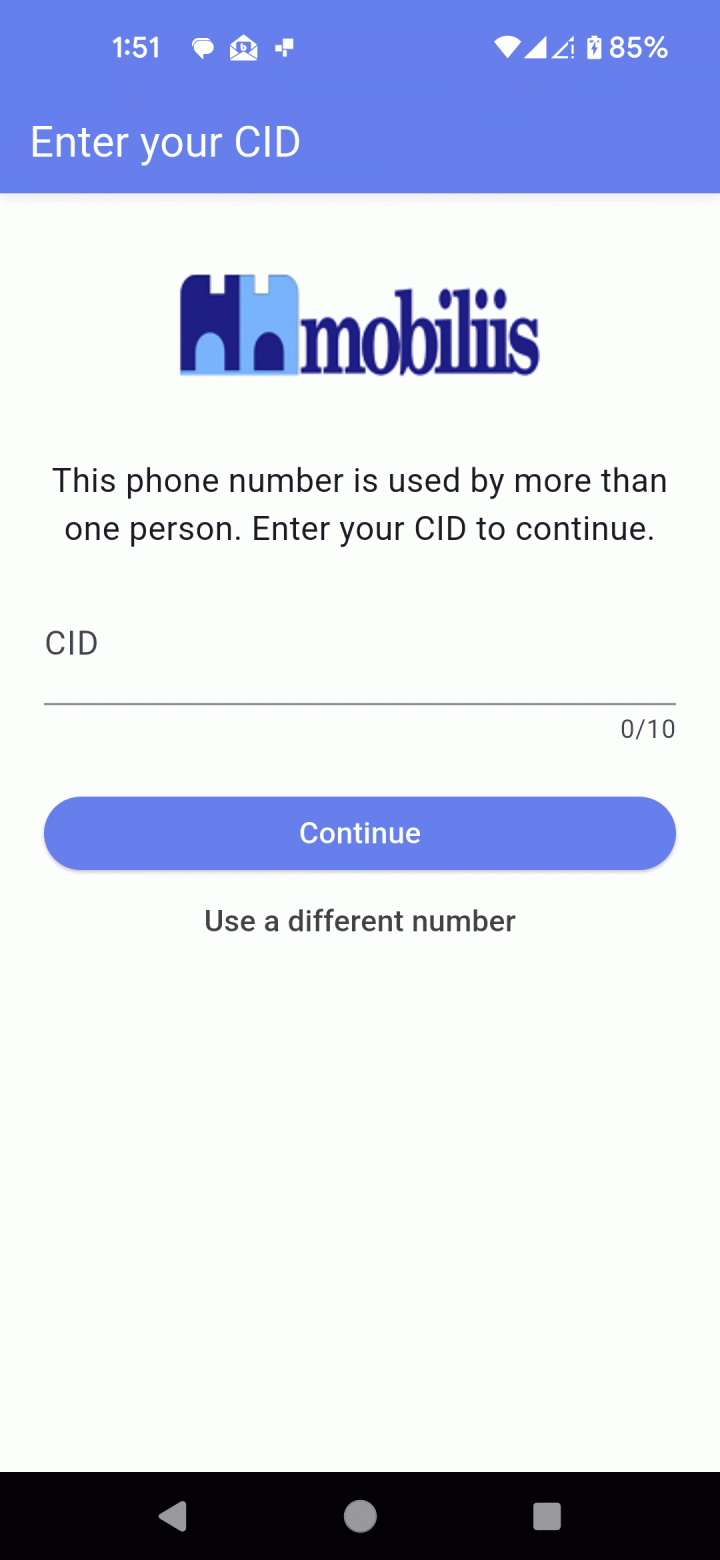
- If your phone is shared with other people in Mobiliis, the app also asks for your CID. Your company can tell you yours.
There is no sign-up and no password in the app. If the app says it doesn't recognise your number, ask your company to check the number they entered.