User Manuals Mobiliis Company Admin Guide
9. Your company details
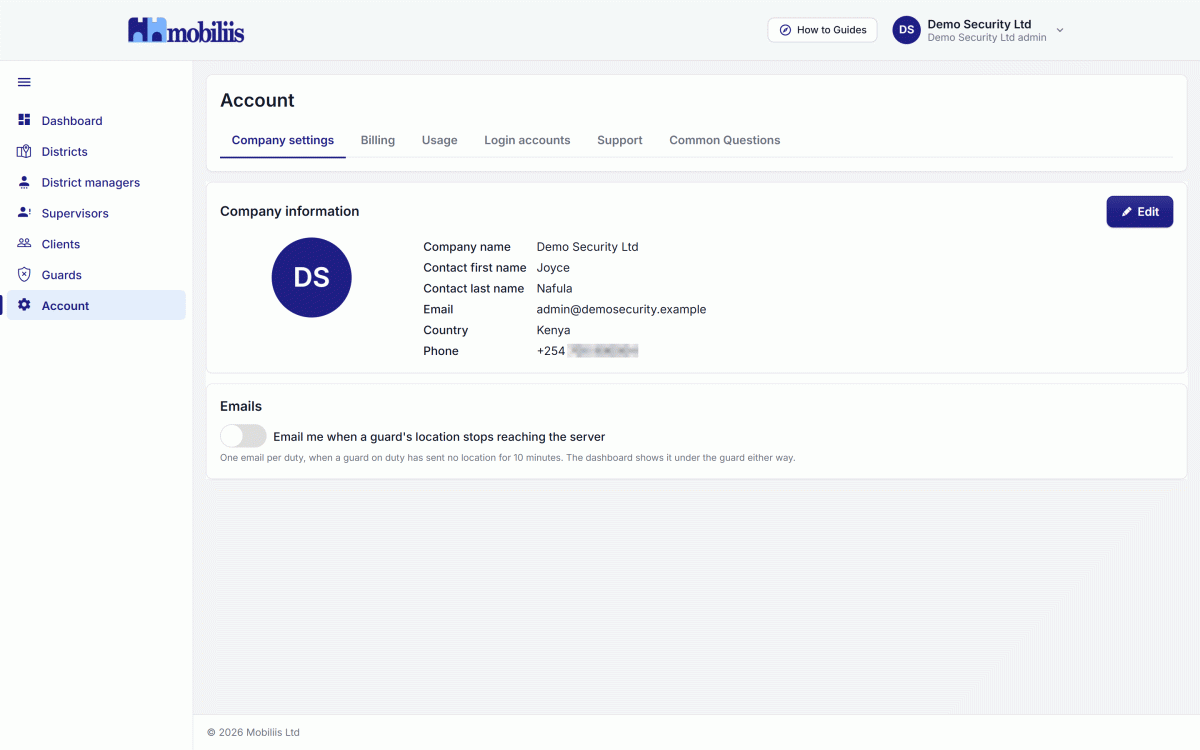
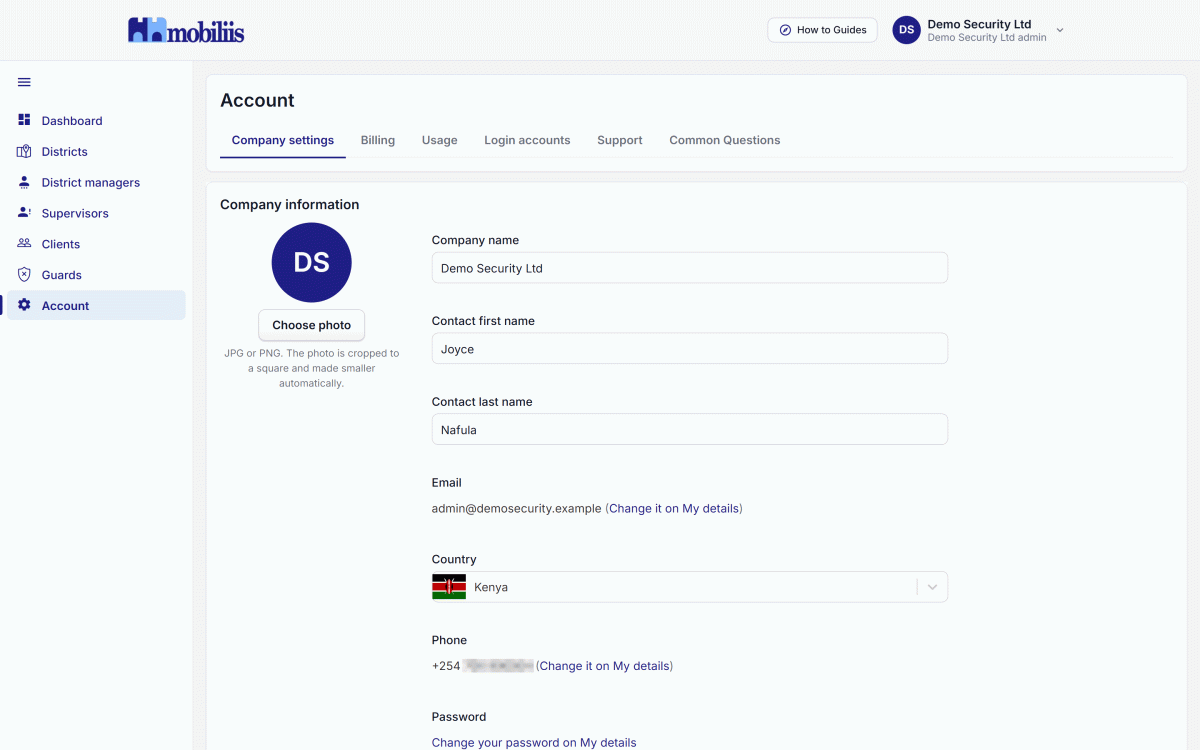
Go to Account, then the Company settings tab. Press Edit to change:
- your company name;
- the first and last name of the person invoices are addressed to;
- your country (phone numbers you type on the website get its dialling code);
- your company photo or logo.
Your email, phone and password are changed on My details (section 20), not here.