User Manuals Mobiliis Reseller Guide
6. Working inside a company
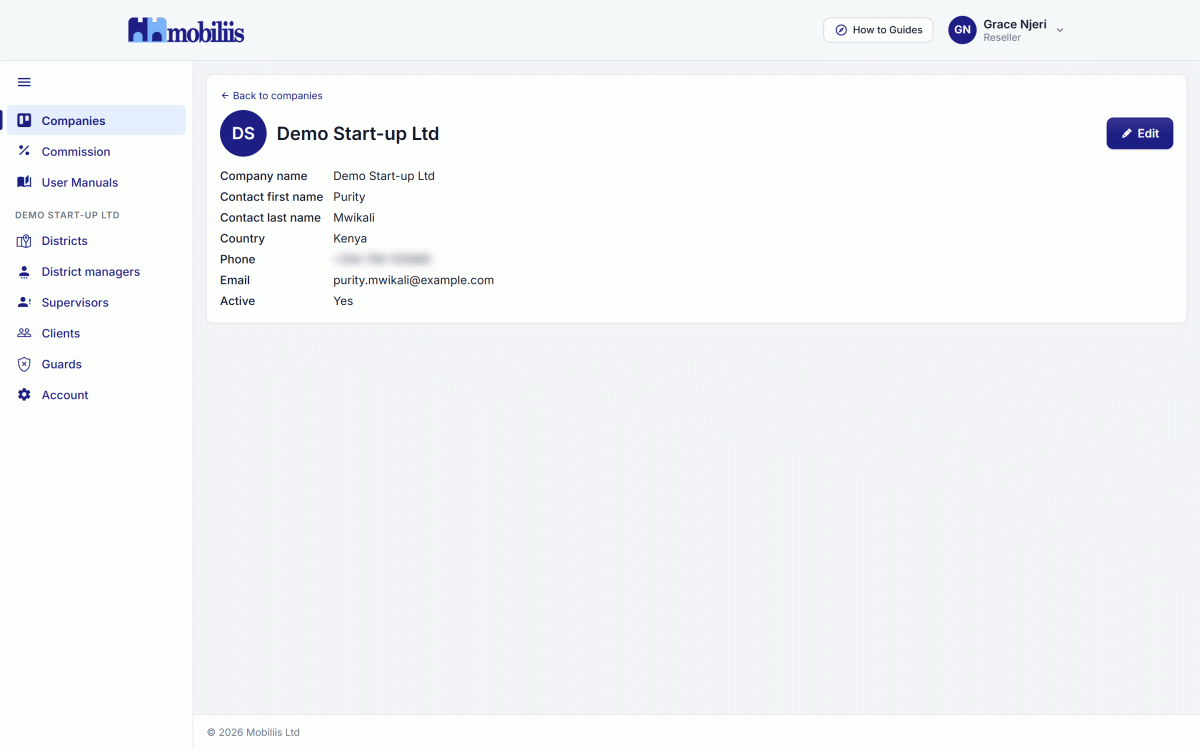
Click a company's name to open it. Its page shows the company name, the contact's first and last name, country, phone, email, Active ("Yes" or "No (suspended)"), its Terms and Conditions and free trial, and Edit.
The side menu now shows the company's Districts, District managers, Supervisors, Clients, Guards and Account. To open its dashboard, press View in the Related pages column of your Companies list, then Dashboard. For a Private account the menu shows Guards, My locations, Duties and Account.
Inside your own companies you can work as the company admin does. The Company Admin Guide explains each page. For example, you can:
- add, change and delete district managers;
- suspend and reinstate district managers;
- move guards, clients and supervisors from one district manager to another.
Once a company is open, How to Guides in the top bar offers the company admin's guides.
What you cannot do:
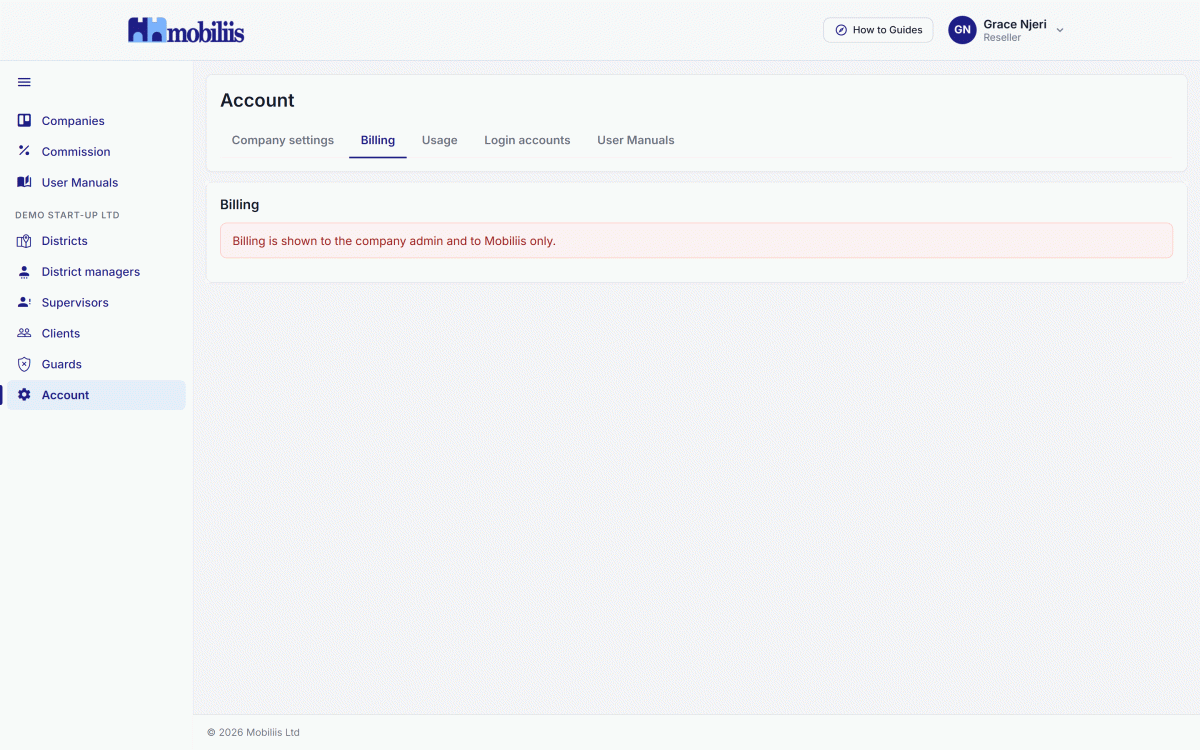
- Billing and Usage: you see "Billing is shown to the company admin and to Mobiliis only." and "Usage is shown to the account admin and to Mobiliis only."
- Login accounts: "Only the account admin can see the login accounts."
- Mobiliis Managers: only the company admin, or Mobiliis, can make a district manager a Mobiliis Manager.
- Another reseller's companies: you see "Forbidden: this record belongs to another company".
The company's Account page has the tabs Company settings, Billing, Usage, Login accounts and User Manuals. Under User Manuals you find the guides in the company admin's order.