User Manuals Mobiliis Guard Guide
13. Updates and signing out
- When a new version is ready, the app shows Update available. Update from Google Play.
- If you share the phone with another guard, answer your end alert, then sign out of the app before you hand it over, or your records will be mixed up.
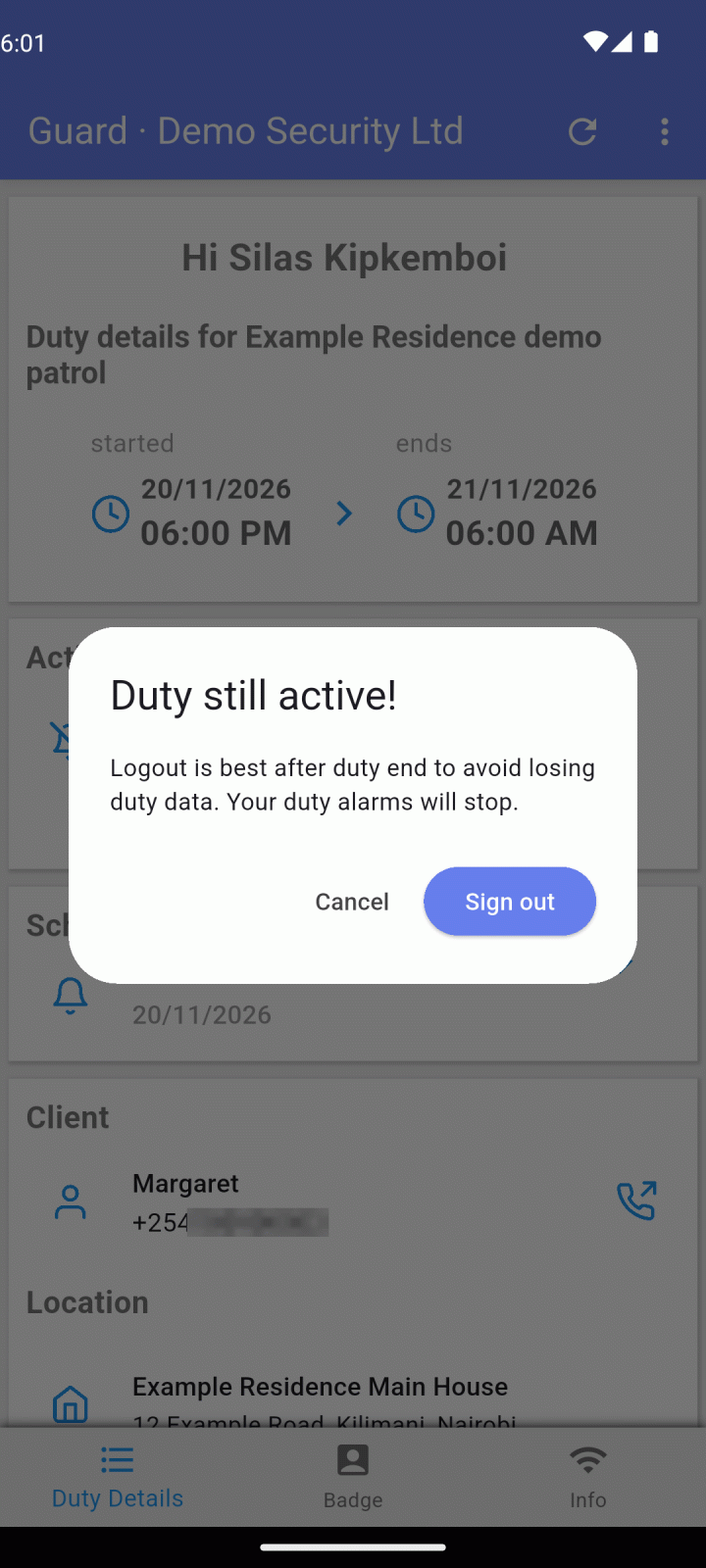
- To sign out, tap the ⋮ menu, then Sign out. If a duty is still running, the app warns you "Duty still active!": signing out stops your alerts, so they will count as missed.