User Manuals Mobiliis Supervisor Guide
6. Seeing what your guard sees (Guard View)
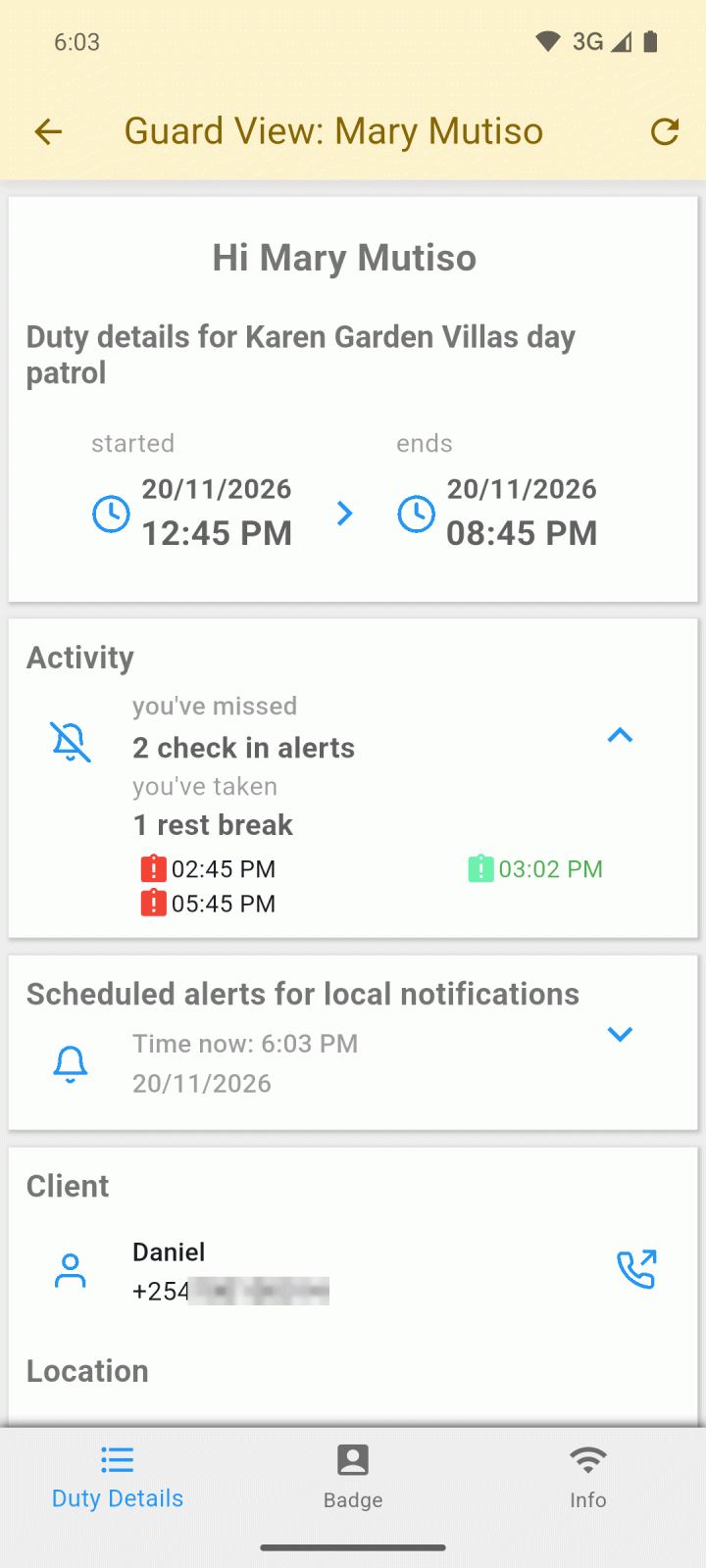
Tap a guard's name to open that guard's own view of their app (Guard View). A yellow bar "Guard View:

User Manuals Mobiliis Supervisor Guide
Tap a guard's name to open that guard's own view of their app (Guard View). A yellow bar "Guard View: