User Manuals Mobiliis Company Admin Guide
18. Reports
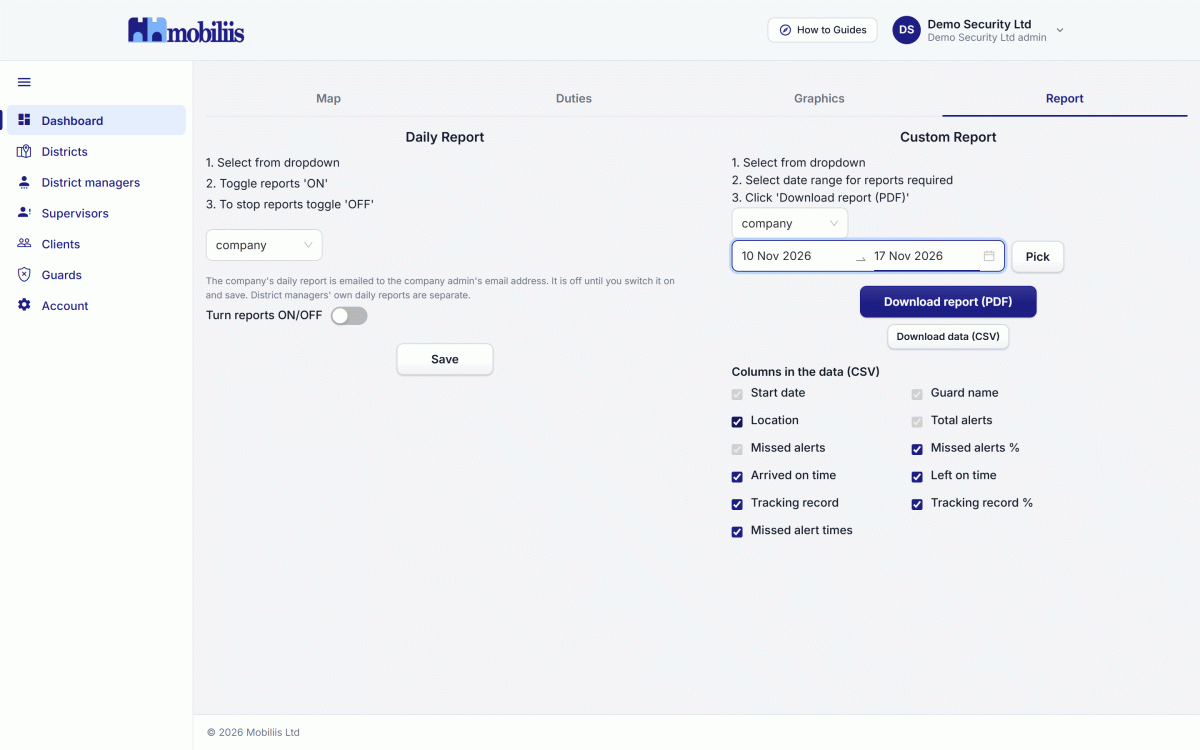
- Daily report email: each district manager can switch on their own daily report, emailed to their own email address and covering only their district. This keeps each report short, and you don't receive every guard's record. If you also want one yourself, switch it on in the Report tab, choose who it covers and press Save; it is off unless you switch it on. Each report is emailed in the morning and covers the duties that ended in the last 24 hours. A Mobiliis Manager can switch on their own daily report too, about any part of your Mobiliis account, emailed to their own email address. A report about a Mobiliis Manager's people says "Mobiliis Manager:" and their name.
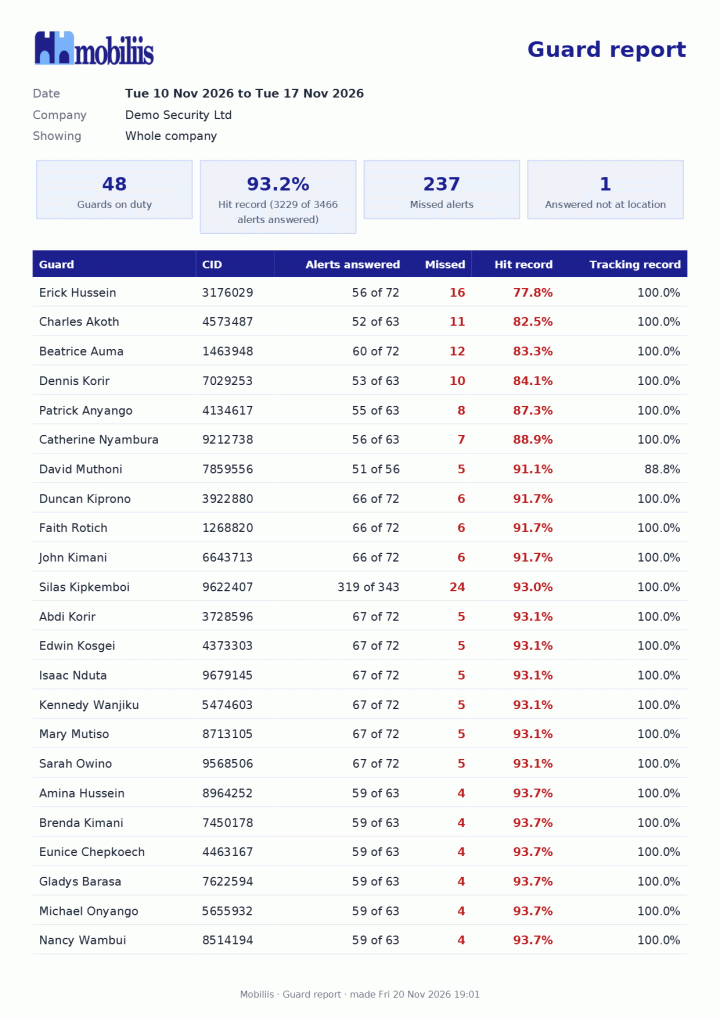
- Your own report: choose the dates, select from the dropdown who it covers, and download it as PDF or CSV. The report shows each guard's Hit record and Tracking record.