User Manuals Mobiliis Company Admin Guide
5. The SMS code at sign-in
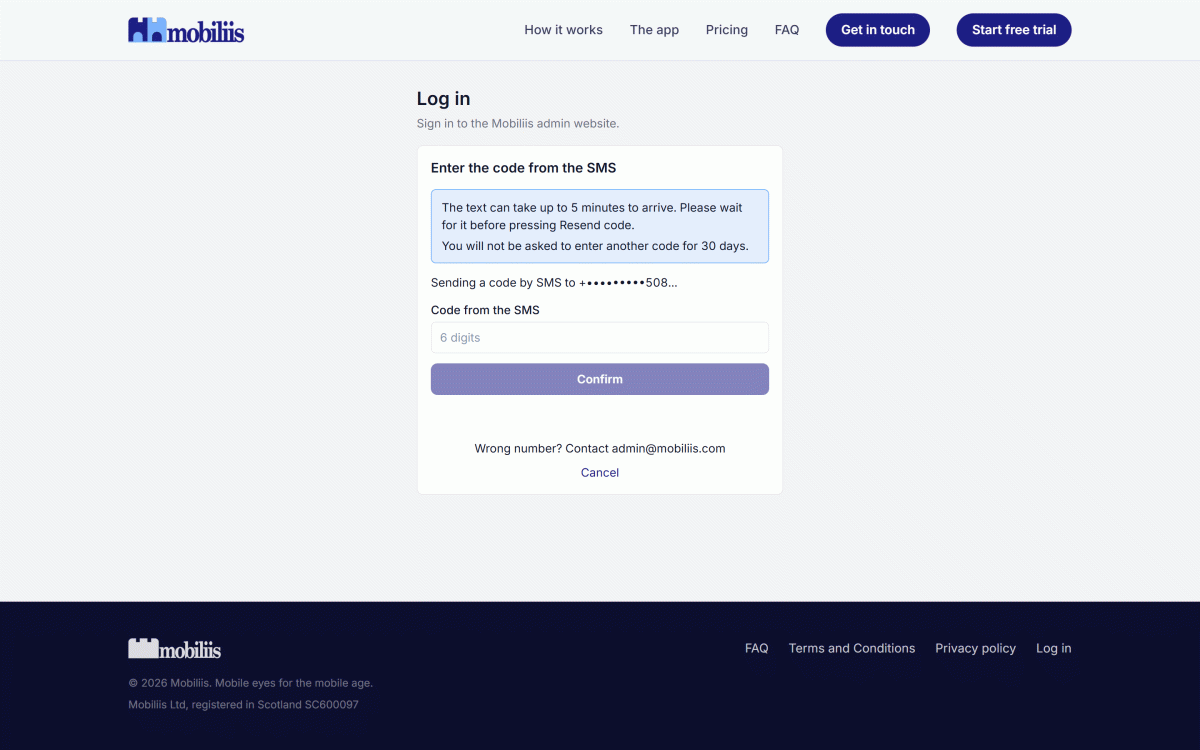
Each time you sign in, Mobiliis sends a 6-digit code by SMS to your mobile. Type it in and press the button to continue.
- If the code does not arrive, you can ask for a new one after 5 minutes.
- Once you have entered a code, you are not asked for another one on that browser for 30 days.
- If the code goes to the wrong number, contact admin@mobiliis.com.
You cannot get the code by email, and you cannot change your phone number on this page (change it on My details, section 20).