User Manuals Mobiliis Personal Account Guide
10. The Mobiliis app for you
You can use the same app as your guards to see your duties and to be told at once when a guard misses an alert.
- Install Mobiliis from Google Play.

- Sign in with the phone number you signed up with, and type the code from the SMS.
- If the app asks you to choose your role, choose Client (shown with a house icon).
The app only asks for your CID if your phone number is also used by someone else in Mobiliis. Your CID is in your welcome email and on the Your details tab of the Account page.
In the app:
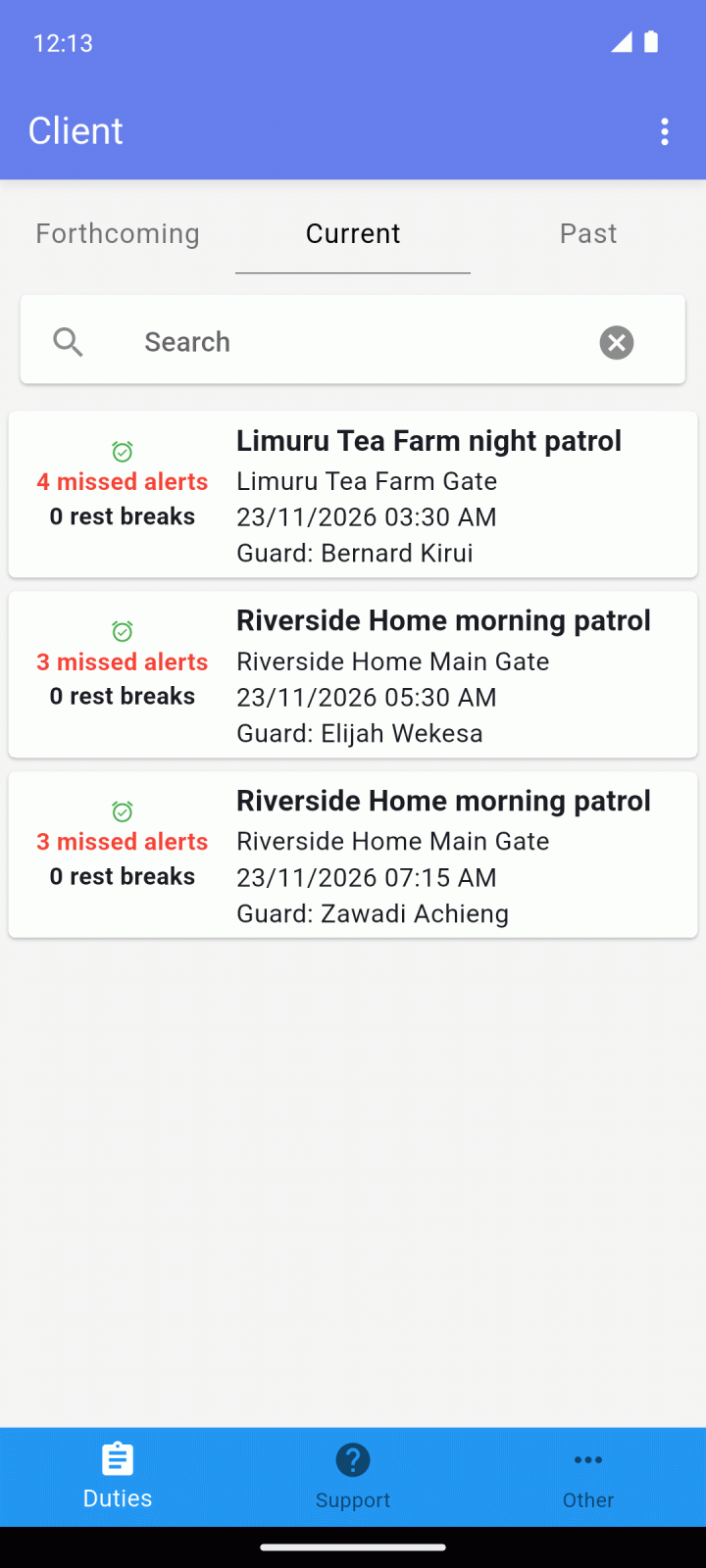
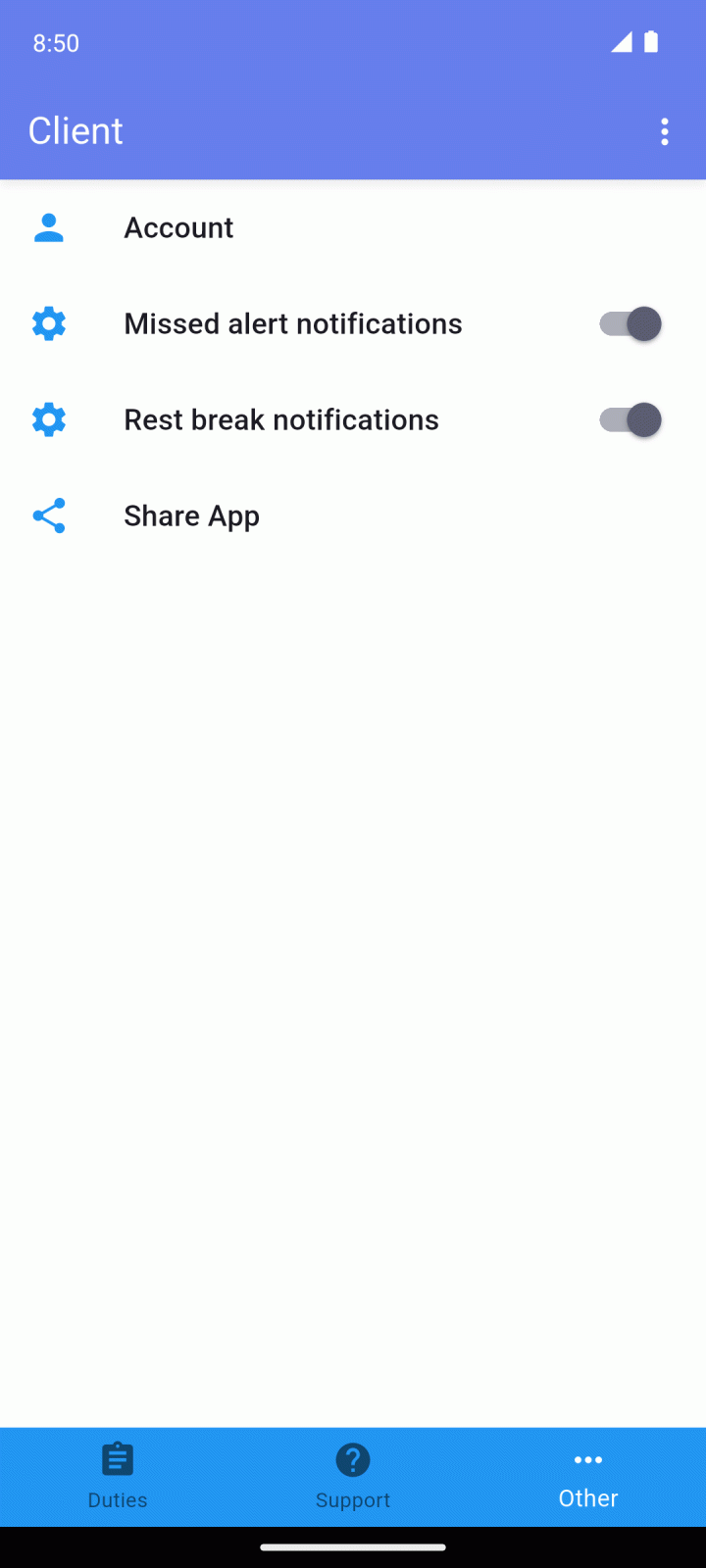
- the top bar says Client;
- the tabs at the bottom are Duties, Support and Other;
- Other has Account, the switches Missed alert notifications and Rest break notifications, and Share App.
The Client Guide explains the app's screens in full. Some parts it describes are not shown to you: there is no security company card, no company phone number and no supervisor card.