User Manuals Mobiliis Guard Guide
2. Signing in
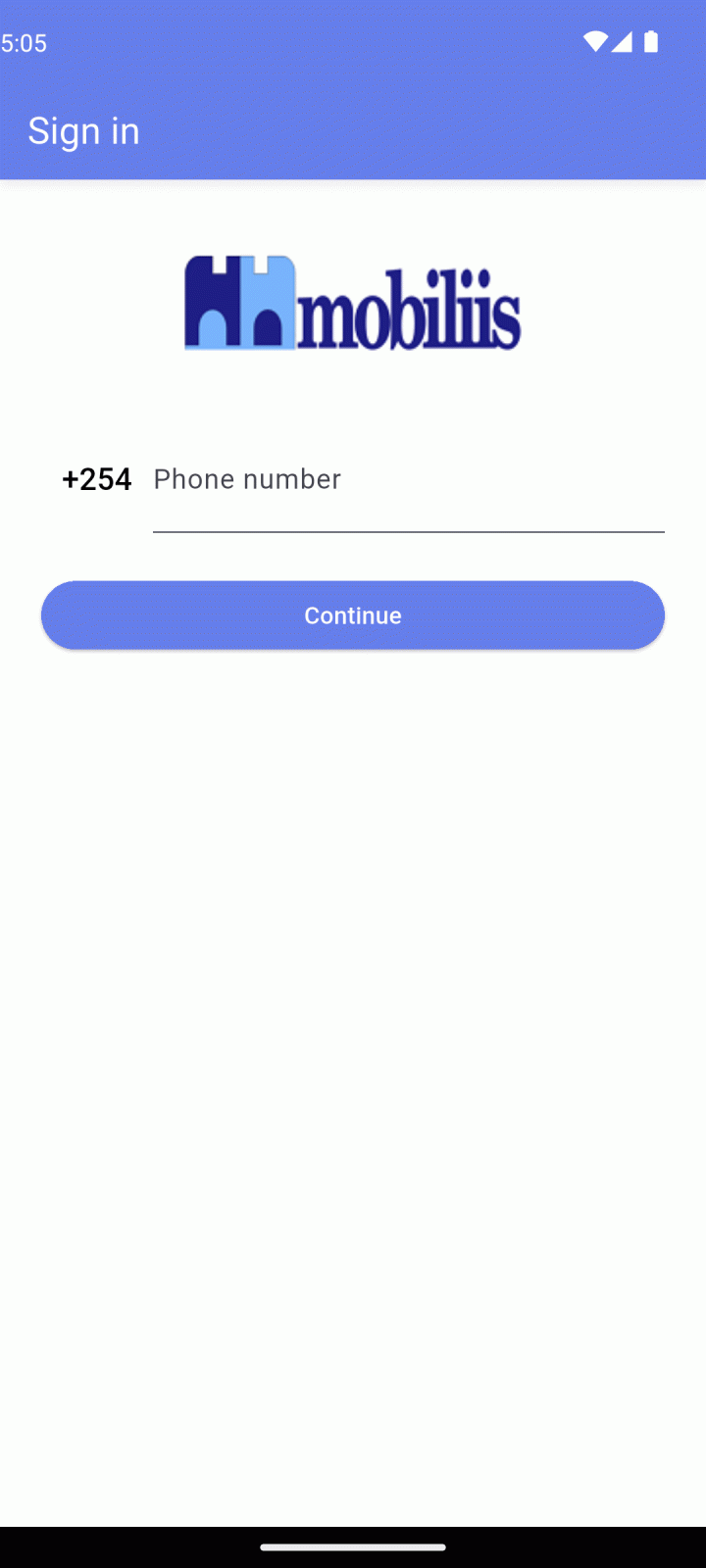
- Open Mobiliis and type the number of the phone you are using for the app.
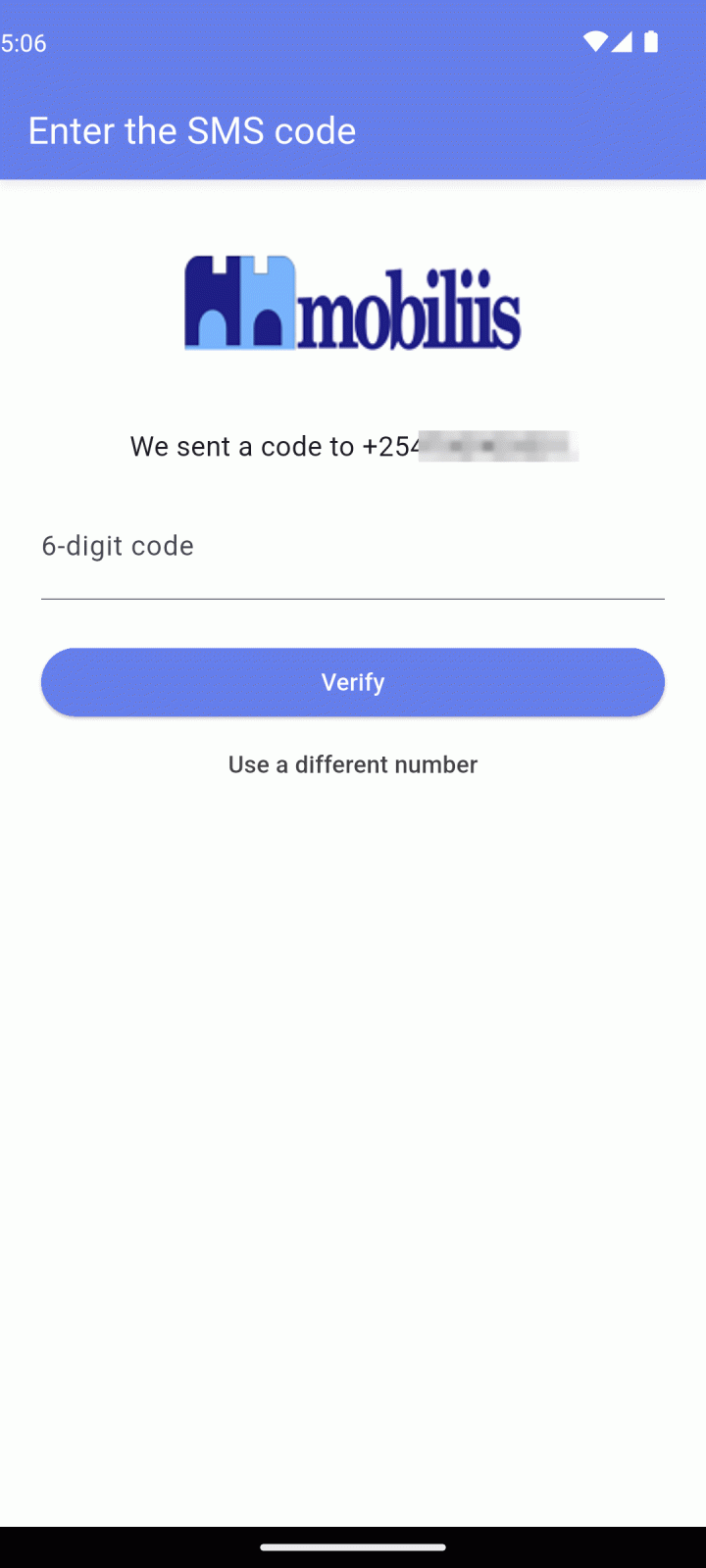
- Type the code from the SMS.
- If the phone is shared with other guards, the app asks for your CID. Your company can tell you yours.
If you are already signed in on another phone, the app asks whether to sign in here instead; the other phone is then signed out.